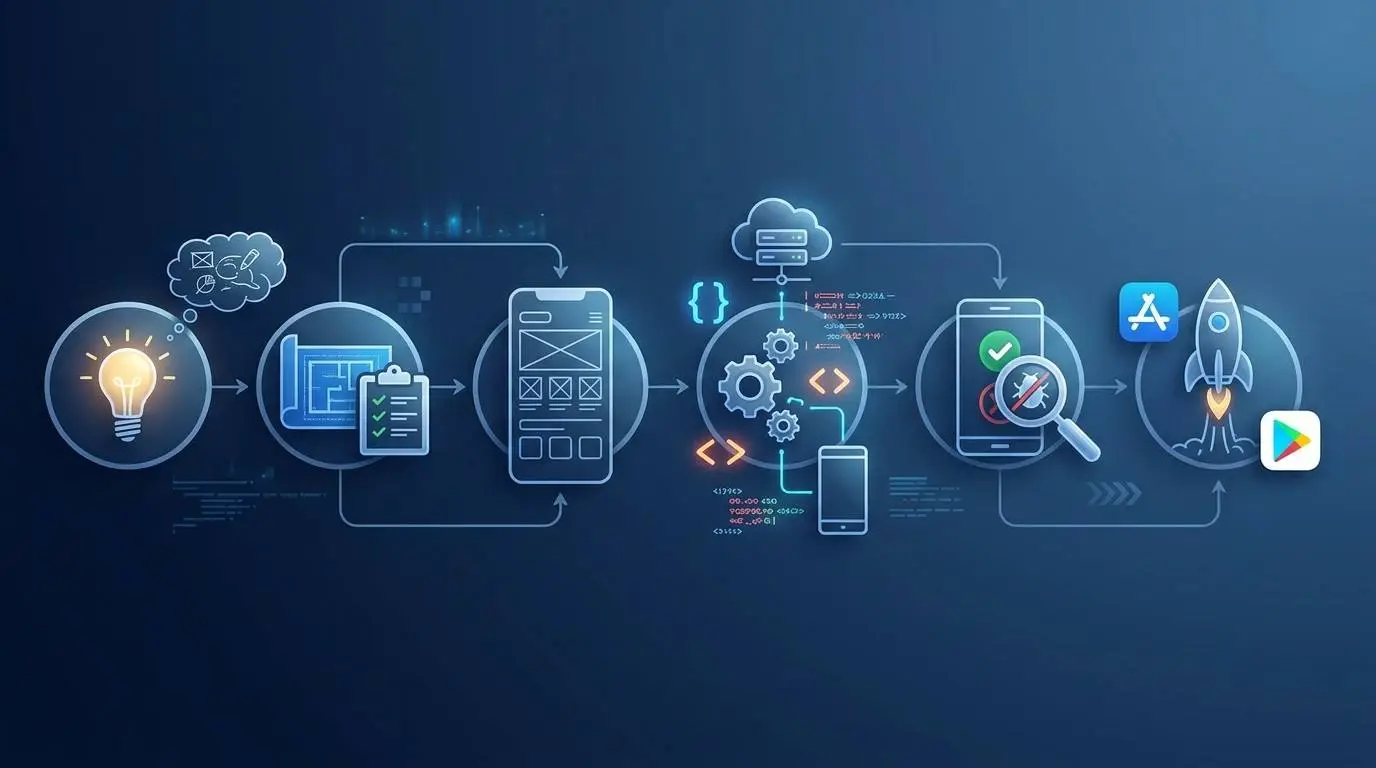
- Mobile App Development Process: From Idea to App Store
- Stage 1: Discovery & Planning
- Stage 2: Wireframing & UI/UX Design
- Stage 3: Development (The Build Phase)
- Stage 4: Testing & QA
- Stage 5: App Store Submission & Launch
- Full Timeline Breakdown
- What Causes App Development Delays (and How to Avoid Them)
- App Development Life Cycle at a Glance
- FAQs – mobile app development process
Mobile App Development Process: From Idea to App Store
Master the mobile app development process from idea to App Store. Discover key stages, timeline breakdowns, and tips to avoid launch delays.
Turning an app idea into reality can feel overwhelming if you don’t have a clear roadmap guiding you. But every successful app, no matter how complex, follows a similar structured path.
Understanding the mobile app development process upfront helps you set realistic expectations, budget properly, and avoid the delays that catch so many first-time app owners off guard.
In this guide, we’ll walk through each stage from initial planning to the moment your app goes live in the store.

Stage 1: Discovery & Planning
The discovery stage is often the most rushed, which is a mistake, because it sets the foundation for everything that follows. This is where you nail down what you’re actually building and why.
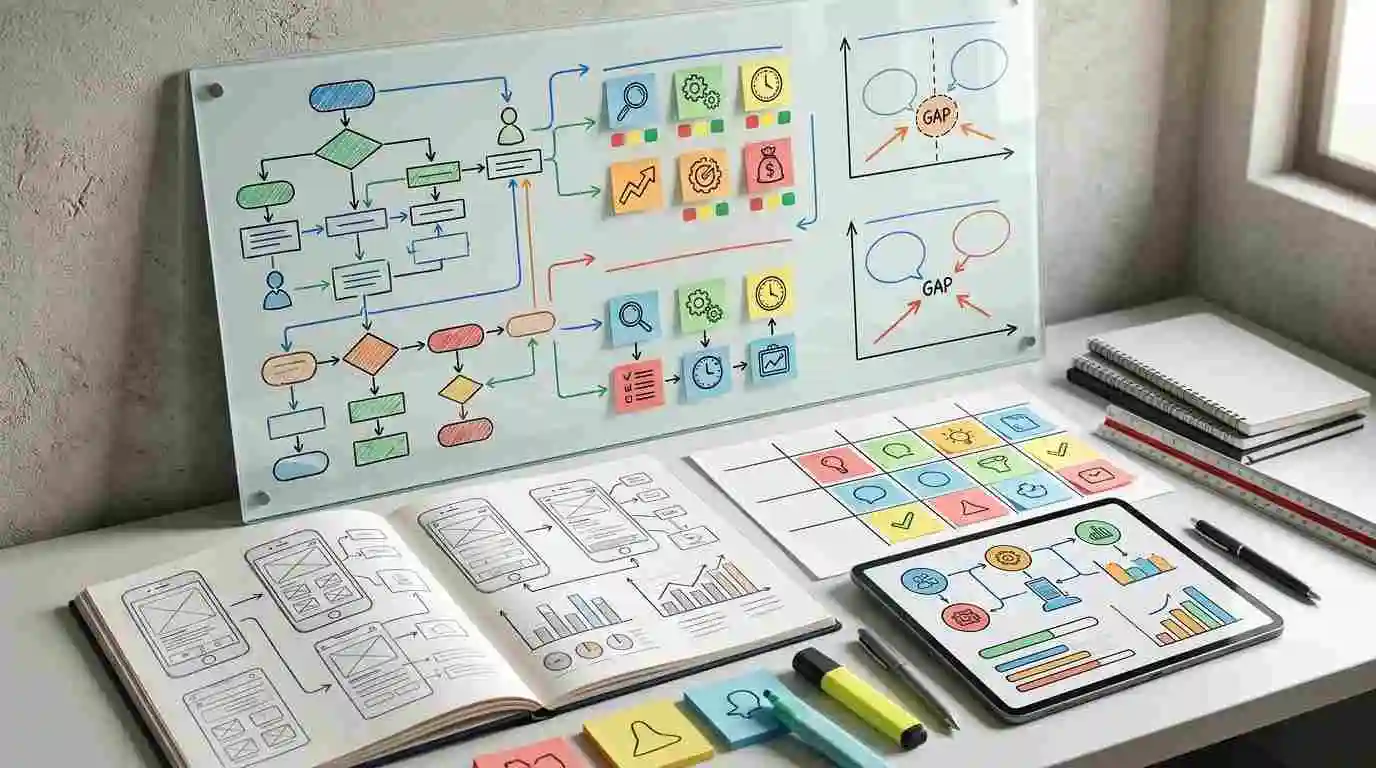
The app discovery phase typically covers:
- Market research and competitor analysis: what’s already out there, and where’s the gap?
- Defining your target users and their core needs
- Setting the scope: what features are must-haves for launch vs. nice-to-haves for later
- Establishing a realistic budget range based on that scope
Good app development documentation starts here too. A clear project brief, feature list, and success metrics give your development team a shared reference point and give you something concrete to check progress against later.
Start Your App with a Clear Plan
Get expert help defining scope, budget, and features before you build.
Stage 2: Wireframing & UI/UX Design
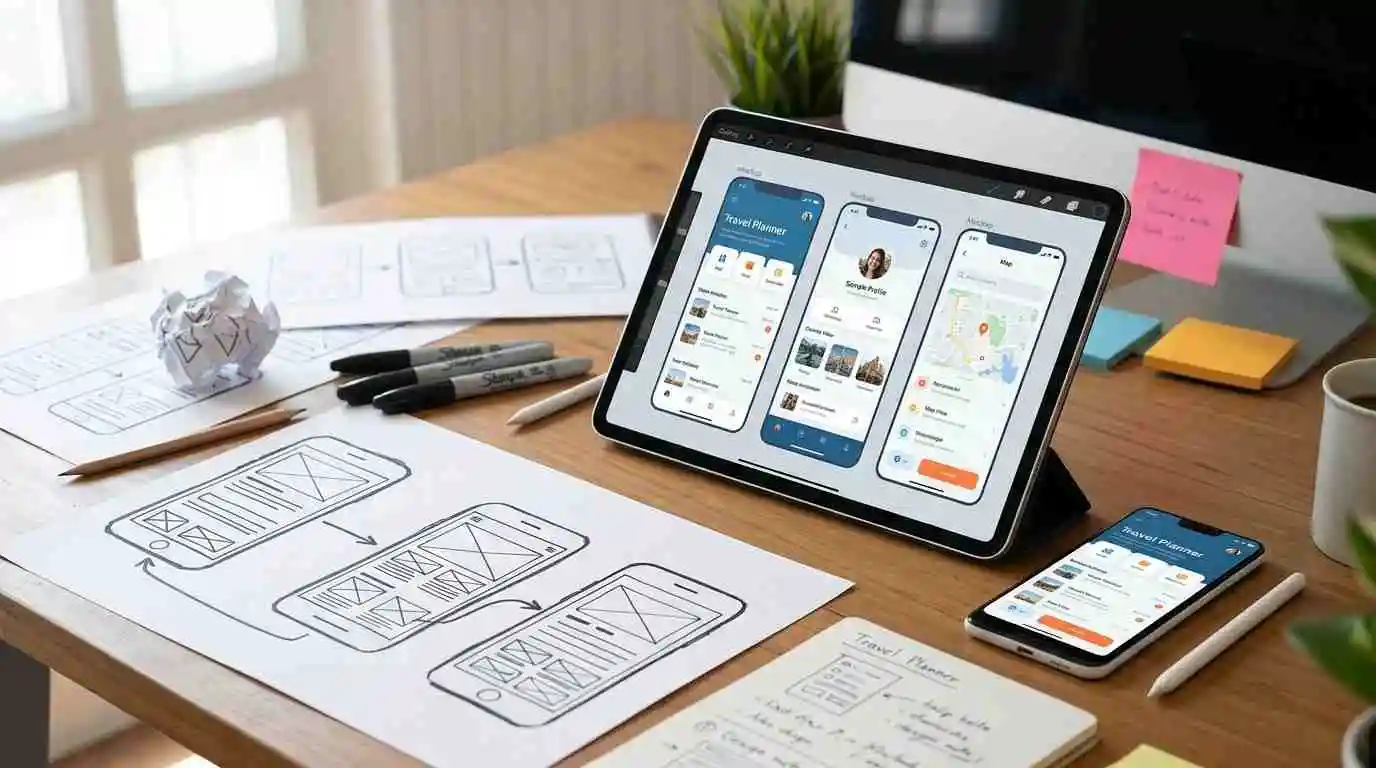
Once the plan is set, design comes before a single line of code gets written. This order matters: it’s far cheaper to change a layout in a wireframe than to rebuild a coded screen.
The app wireframing process usually moves through three steps:
- Wireframes: bare-bones sketches mapping out screen layout and user flow, no visual polish yet
- Mockups: wireframes get color, typography, and branding applied
- Clickable prototype: an interactive version stakeholders can click through to test the flow before development starts
This stage is where the app design and development process really earns its name: design and development aren’t separate tracks; they’re sequential steps that feed into each other. A solid prototype at this point catches usability issues early, when they’re still cheap to fix.
Stage 3: Development (The Build Phase)
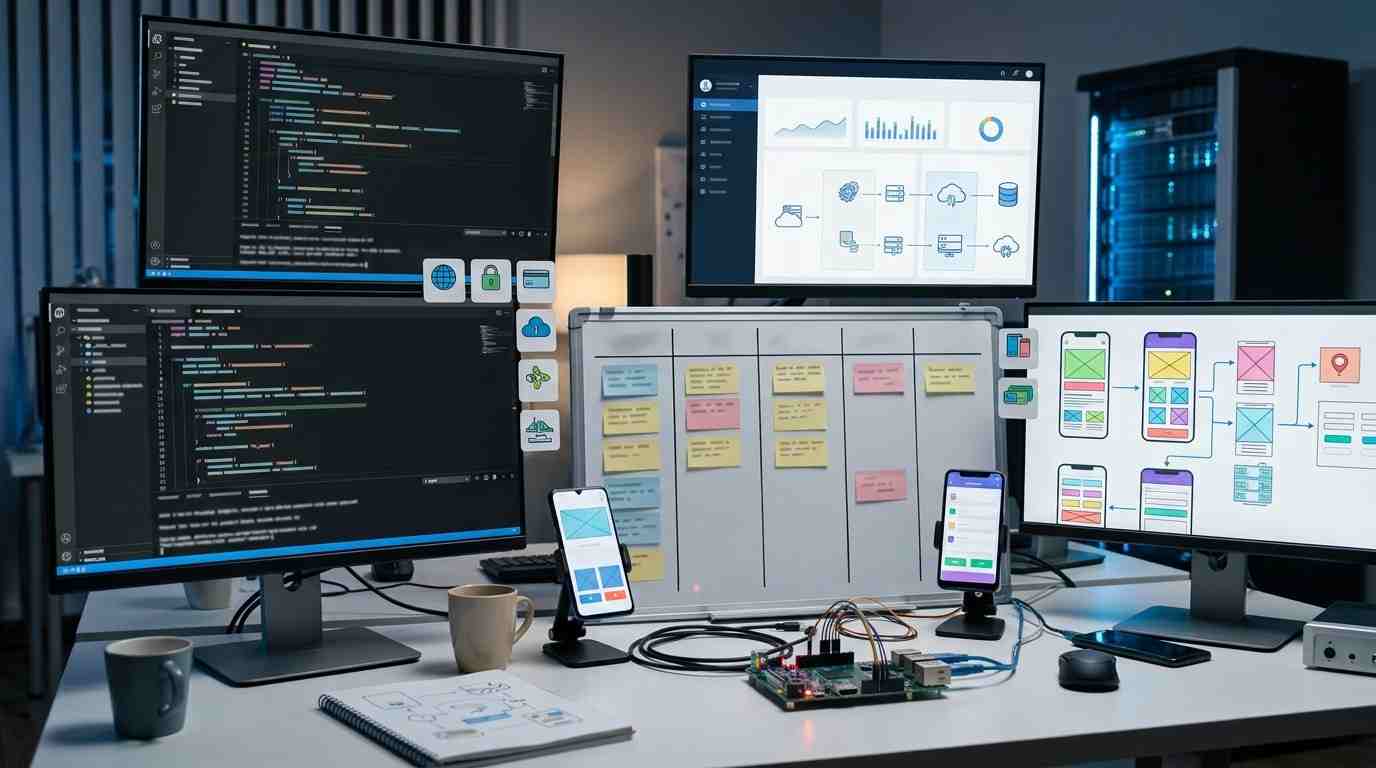
This is where the app actually gets built the longest stage in the process, and the one most people picture when they think of “app development.”
Development typically splits into three parallel tracks:
- Backend development: servers, databases, APIs, and the logic that powers the app behind the scenes
- Frontend/app logic: the screens, interactions, and features users actually see and touch
- API integrations: connecting third-party services like payment processors, maps, or authentication providers
Before this stage kicks off, the team settles on a tech stack native, hybrid, or a specific framework based on the app’s complexity and goals (a decision worth its own deep dive if you haven’t landed on an approach yet).
The app development workflow at this stage usually runs in sprints, with regular check-ins so the team can course-correct early rather than discovering problems at the finish line.
Understanding how apps are built at this level as a series of connected sprints rather than one long build helps set realistic expectations for progress updates along the way.
Stage 4: Testing & QA

Once core development wraps, the app moves into testing, and this stage matters more than most people expect. Skipping or rushing QA is one of the most common (and costly) mistakes in the entire process.
App testing before launch typically covers:
- Functional testing: does every feature work as intended?
- Device and OS testing: does the app behave consistently across different phones, screen sizes, and OS versions?
- Security testing: are user data and transactions properly protected?
- Performance testing: does the app stay fast and stable under real-world use?
Thorough app QA testing at this stage catches issues before they reach users and before they turn into one-star reviews.
Bugs found post-launch cost significantly more to fix than bugs caught here, both in dev time and in user trust.
Ship a Bug-Free App
Get thorough QA testing before your app ever reaches users.
Stage 5: App Store Submission & Launch

With testing complete, it’s time for the app store submission process, and this step has its own quirks depending on the platform.
iOS App Store:
- Apple’s review process typically takes 1-3 days, but can vary
- Strict guidelines around design, functionality, and data privacy
- Common rejection reasons: broken links, incomplete metadata, guideline violations around data collection
Google Play:
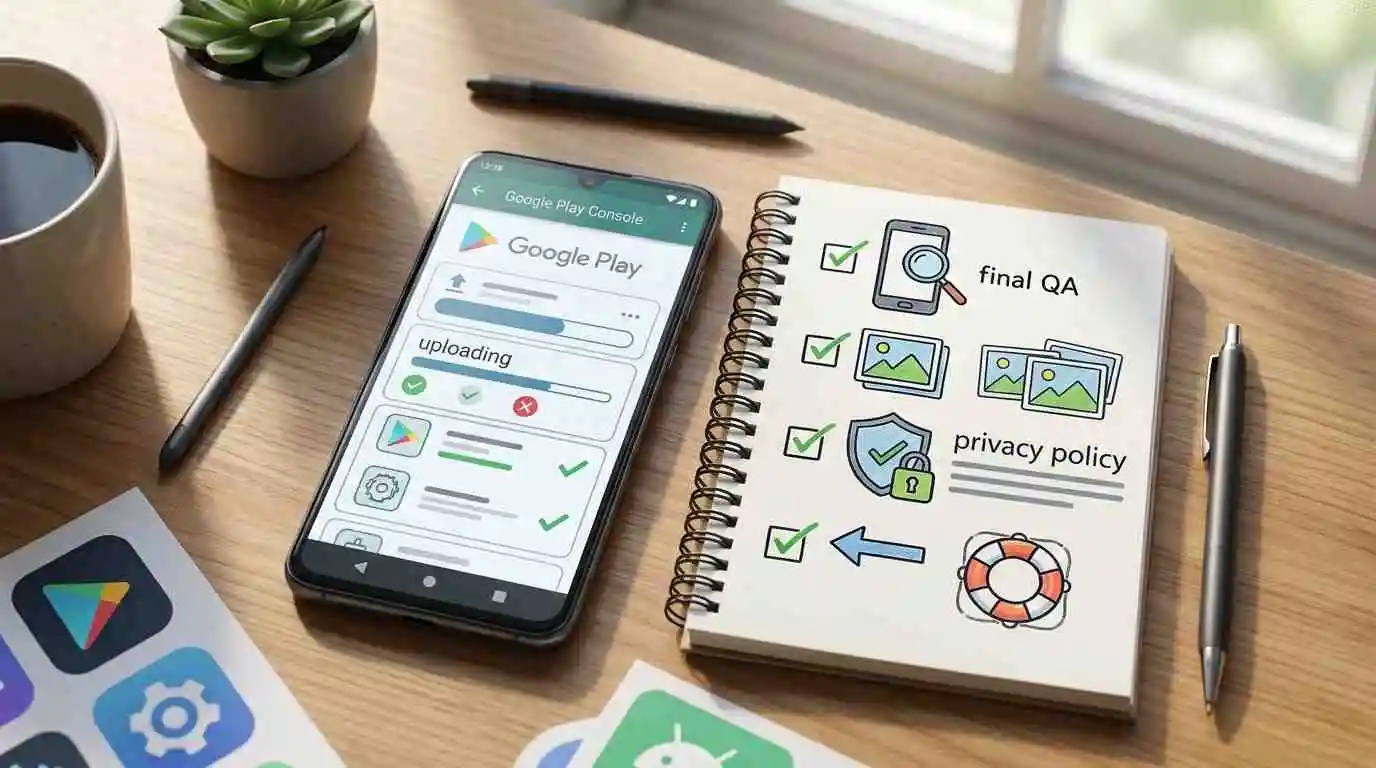
- Generally faster review, often within hours to a couple of days
- Somewhat more lenient guidelines than Apple, though still strict on policy compliance
- Common rejection reasons: misleading descriptions, permission issues, policy violations
A solid app launch checklist before submission includes: final QA pass, store listing assets (screenshots, descriptions, keywords), privacy policy, and a rollback plan in case issues surface post-launch.
Full Timeline Breakdown
A complete app development process timeline depends entirely on its complexity. Here’s a breakdown.
| Stage | Typical Duration |
| Discovery & Planning | 1-3 weeks |
| Wireframing & Design | 2-4 weeks |
| Development | 8-16 weeks (varies widely by complexity) |
| Testing & QA | 2-4 weeks |
| Store Submission & Launch | 1-2 weeks |
Total: roughly 3-6 months for a moderately complex app, though simple apps can move faster and highly complex ones can stretch well beyond six months.
Key app development milestones to track along the way: completed wireframes, approved design mockups, working prototype, feature-complete build, QA sign-off, and store approval.
Hitting these markers on schedule is the clearest sign a project is staying on track for app development timeline goals.
What Causes App Development Delays (and How to Avoid Them)

Common culprits:
- Scope creep: adding “just one more feature” mid-development, which cascades into more design, more code, and more testing
- Unclear requirements: vague briefs lead to rework once stakeholders see the actual build and realize it’s not what they pictured
- Late-stage design changes: altering UI/UX after development has started forces rebuilding already-completed work
- Insufficient QA time: rushing or shortening testing to hit a deadline, which usually backfires into post-launch bug fixes anyway
- Slow feedback loops: stakeholders taking too long to review and approve milestones, stalling the team’s momentum.
Launch Your App Without the Delays
Work with a team that keeps your timeline and budget on track.
App Development Life Cycle at a Glance
| Stage | Key Activities | Typical Duration | Output |
| Discovery & Planning | Market research, scope definition, budgeting | 1-3 weeks | Project brief, feature list |
| Wireframing & Design | Wireframes, mockups, prototype | 2-4 weeks | Clickable prototype |
| Development | Backend, frontend, API integrations | 8-16 weeks | Feature-complete build |
| Testing & QA | Functional, device, security, performance testing | 2-4 weeks | QA-approved build |
| Submission & Launch | Store listing, submission, review | 1-2 weeks | Live app |
FAQs – mobile app development process
What are the main stages of mobile app development?
The main stages are discovery and planning, wireframing and design, development, testing and QA, and app store submission and launch. Each stage builds on the last, so skipping ahead usually creates rework later.
How long does it take to build an app from scratch?
A moderately complex app typically takes 3-6 months from discovery to launch. Simpler apps can move faster, while highly complex apps with advanced features can stretch well beyond six months.
What happens during the app discovery and planning phase?
This phase covers market research, competitor analysis, defining target users, setting feature scope, and establishing a budget. It creates the project brief and documentation that guides every stage that follows.
Why is app testing such a critical step before launch?
Testing catches functional bugs, device compatibility issues, security gaps, and performance problems before real users encounter them. Fixing issues after launch costs significantly more time and damages user trust.
How does app store approval work for iOS and Android?
Apple’s App Store review typically takes 1-3 days with strict guidelines, while Google Play review is often faster, sometimes within hours.
What causes most app development projects to get delayed?
Scope creep, unclear requirements, late-stage design changes, and rushed QA are the most common causes. Locking scope early and building in buffer time for testing helps avoid most of these delays.
Do I need a working prototype before full development starts?
Yes, a clickable prototype lets stakeholders test the user flow and catch usability issues while changes are still cheap to make. Skipping this step often means costlier fixes once actual code is written.
How much does mobile app development cost?
Mobile app development costs vary based on features, platform, design, and complexity. Top Branding Altimeter helps businesses compare mobile app development cost and price options to plan a practical budget before starting development.
What should I prepare before starting the app development process?
Come in with a clear goal, target audience, must-have feature list, and a realistic budget range. The more defined your brief, the smoother the discovery phase and everything that follows.
When you understand the mobile app development process from discovery through launch, you can plan realistically, avoid the delays that trip up so many first-time app owners, and know what to expect at every stage.
If you’re ready to turn your app idea into a real, launched product, Top Branding Altimeter can guide you through the entire process, from initial planning to app store approval, with a team that keeps your timeline and budget on track.
Ready to Grow Your Business?
Get expert guidance tailored to your brand — completely free consultation
Get Free Consultation