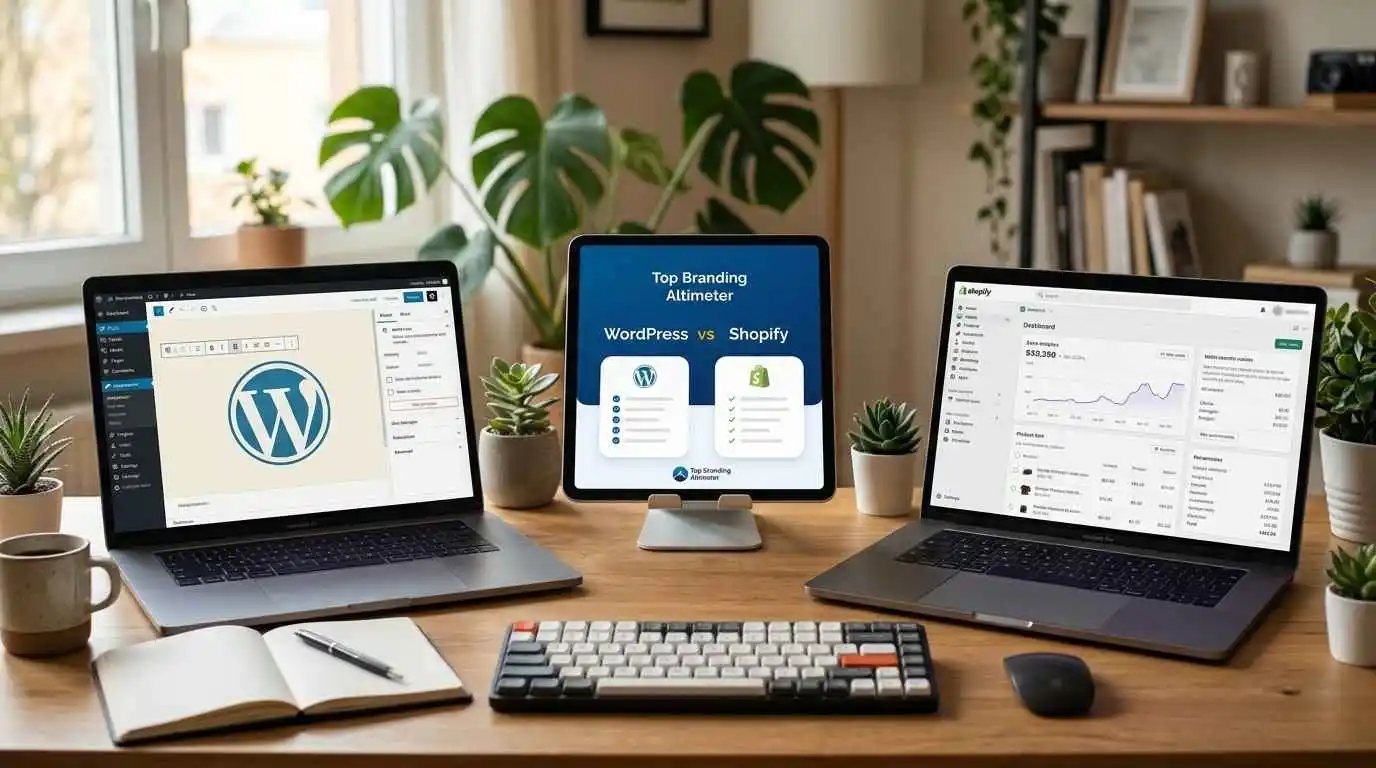
- WordPress vs Shopify: Best Platform for Your Store 2027
- What Each Platform Delivers
- Ease of Use
- Cost Comparison: Price That Fits Your Budget
- Design & Customization: The Better Option for Flexibility
- SEO Performance
- Security & Support
- Scalability
- Checkout Experience
- Which Platform Is Right for You? (Decision Framework)
- FAQs – Shopify vs WordPress
- Conclusion
WordPress vs Shopify: Best Platform for Your Store 2027
WordPress vs Shopify comes down to convenience versus control: Shopify is hosted and quick to launch; WordPress offers full customization. Top Branding Altimeter helps you choose the right platform.
Selecting an e-commerce platform to launch your business can feel like a shot in the dark – and it’s true: the decision you make can either make or break the store you’ve built over weeks, if not months, of building from scratch.
WordPress vs. Shopify is a debate that comes up in nearly every small-business Facebook group and Reddit thread, and for good reason. Both platforms power millions of stores, but they’re built on completely different strategies.
Shopify hands you a polished, ready-to-sell setup with minimal fuss. WordPress (paired with WooCommerce) hands you the keys to a fully customizable store, but expects you to do more of the driving yourself. Neither platform is objectively “better.”
The right choice comes down to how much control you want, how comfortable you are with the technical side, what your budget looks like today versus in two years, and how big you’re planning to grow. This post covers it all so you can make the call with confidence.
What Each Platform Delivers
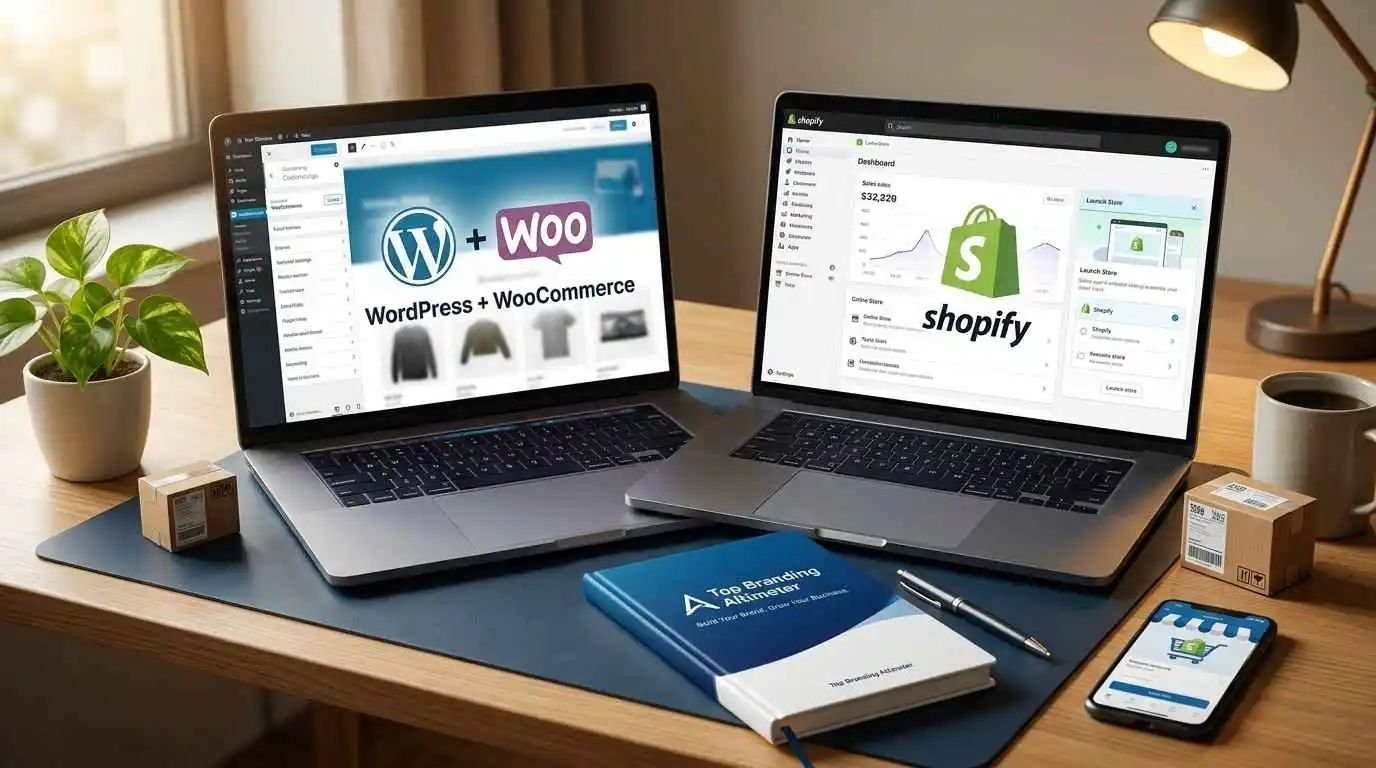
Before diving into the comparisons, it helps to understand what you’re actually choosing between.
WordPress + WooCommerce
WordPress started as a blogging platform and grew into the most widely used content management system (CMS) in the world.
On its own, it isn’t built for ecommerce; that’s where WooCommerce comes in. WooCommerce is a free plugin that turns a WordPress site into a fully functional online store.
Together, they form a self-hosted setup, meaning you’re responsible for your own hosting, security, and updates, but you get near-total control over how your store looks and functions.
Shopify
Shopify is a hosted, all-in-one ecommerce platform built specifically for selling online. You don’t need to find hosting, install software, or manage server security – Shopify handles it all behind the scenes.
In exchange for that convenience, you work within Shopify’s ecosystem, its themes, its app store, and its infrastructure.
The Short Answer
- WordPress + WooCommerce: Open-source, self-hosted, maximum flexibility, more hands-on.
- Shopify: Hosted SaaS, all-in-one, faster to launch, less technical overhead.
Ease of Use
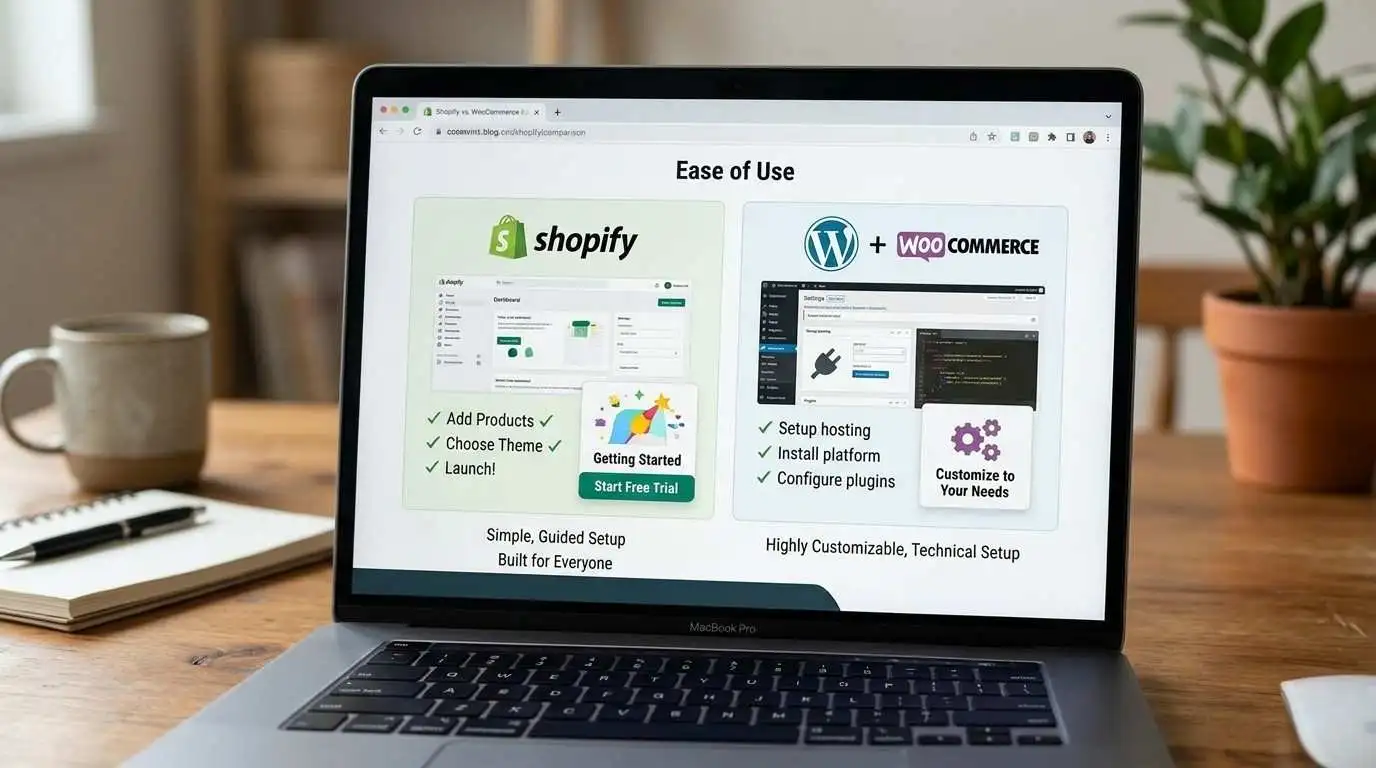
If you want your store up and running with little to no learning curve, ease of use plays a key role, and this is where the two platforms start to really diverge.
Shopify
- Designed for non-technical users from the ground up
- Guided setup wizard walks you through adding products, setting shipping, and choosing a theme
- Everything from themes, apps, to payments lives in one dashboard, so there’s nothing extra to install or connect
- Store owners without coding experience can realistically launch in a day or two
WordPress + WooCommerce
- Requires more setup work upfront: choosing hosting, installing WordPress, installing WooCommerce, then configuring it
- More moving parts means more decisions, and more room for things to go wrong if you’re new to it
- Once it’s set up, day-to-day product and order management is fairly intuitive
- Ongoing tasks like plugin updates and compatibility checks fall on you (or whoever
- manages the site).
Shopify takes the win on out-of-the-box simplicity. It’s built for people who want to sell, not tinker.
WordPress asks for more patience and technical comfort up front, but rewards you with greater control once you’re past the learning curve.
Cost Comparison: Price That Fits Your Budget
Sticker price is only part of the story here – the real cost differences come up once you factor in hosting, apps, and transaction fees.
| Cost Factor | Shopify | WordPress + WooCommerce |
| Core software | Included in subscription | Free |
| Hosting | Included | Separate cost (varies by provider) |
| Monthly cost | Fixed subscription tiers | No fixed fee; costs scale with add-ons |
| Themes | Free + premium options | Free + premium options |
| Plugins/Apps | Paid apps common | Paid plugins common |
| Transaction fees | Applies unless using Shopify Payments | None (only payment processor fees) |
| Maintenance | Included | Your responsibility (or hire help) |
Shopify’s cost is predictable and bundled – you have a rough idea of what you’ll pay each month.
WordPress can be cheaper to start, especially for small stores, howver costs are more variable and depend heavily on your hosting choice and how many premium plugins you add.
Design & Customization: The Better Option for Flexibility
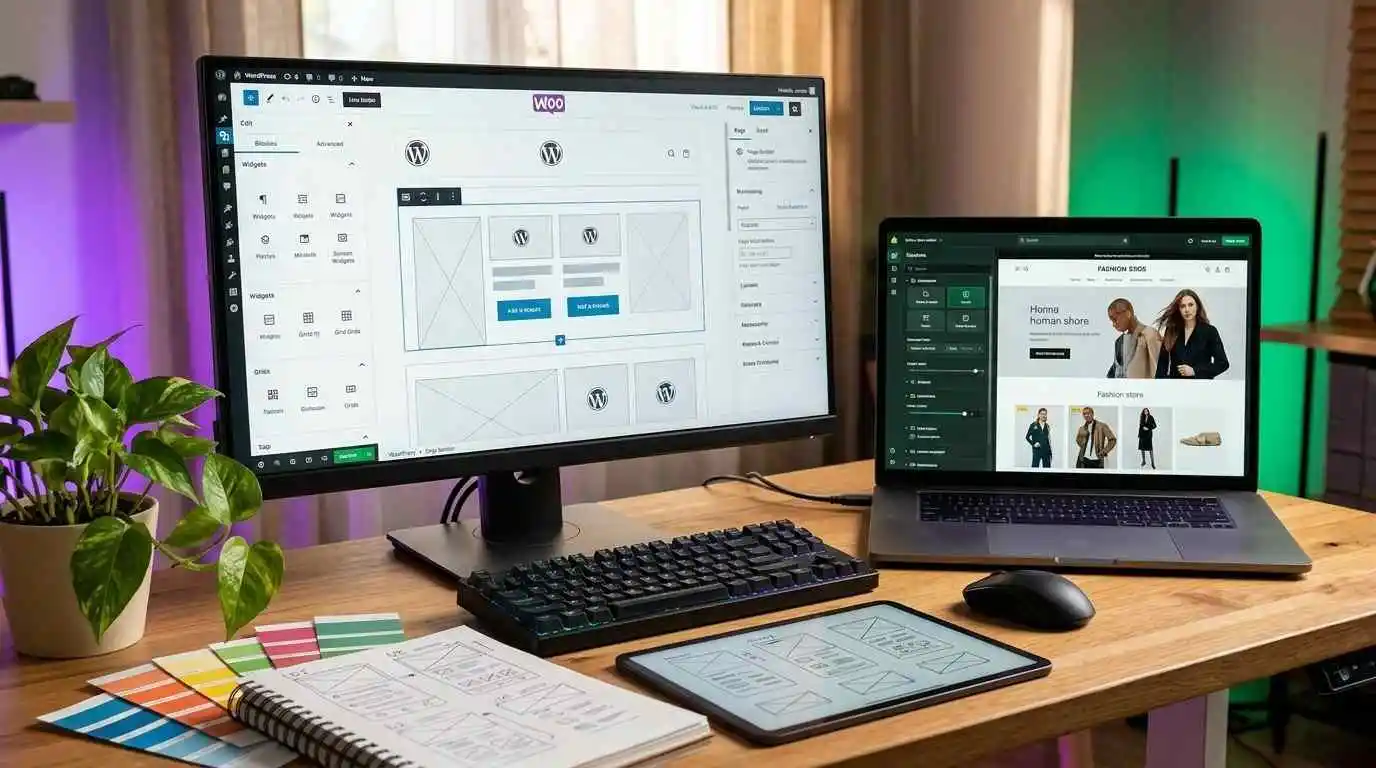
This is where the two platforms take genuinely different approaches to how much creative and technical control you get.
Shopify
- Large library of professionally designed themes, both free and premium
- Theme editor uses a drag-and-drop interface, no coding required for most customizations
- Deeper design changes require editing Liquid (Shopify’s templating language), which has a learning curve
- App Store fills gaps in functionality, but you’re working within Shopify’s ecosystem rules
WordPress + WooCommerce
- Thousands of themes available, ranging from free to premium, across nearly every industry and style
- Full access to the underlying code means there’s virtually no limit to how much you can customize
- The plugin ecosystem is massive. From page builders to niche functionality tools, often with more free options than Shopify’s app store
- That flexibility means more decisions to make, and occasionally, more plugin compatibility issues to manage
SEO Performance
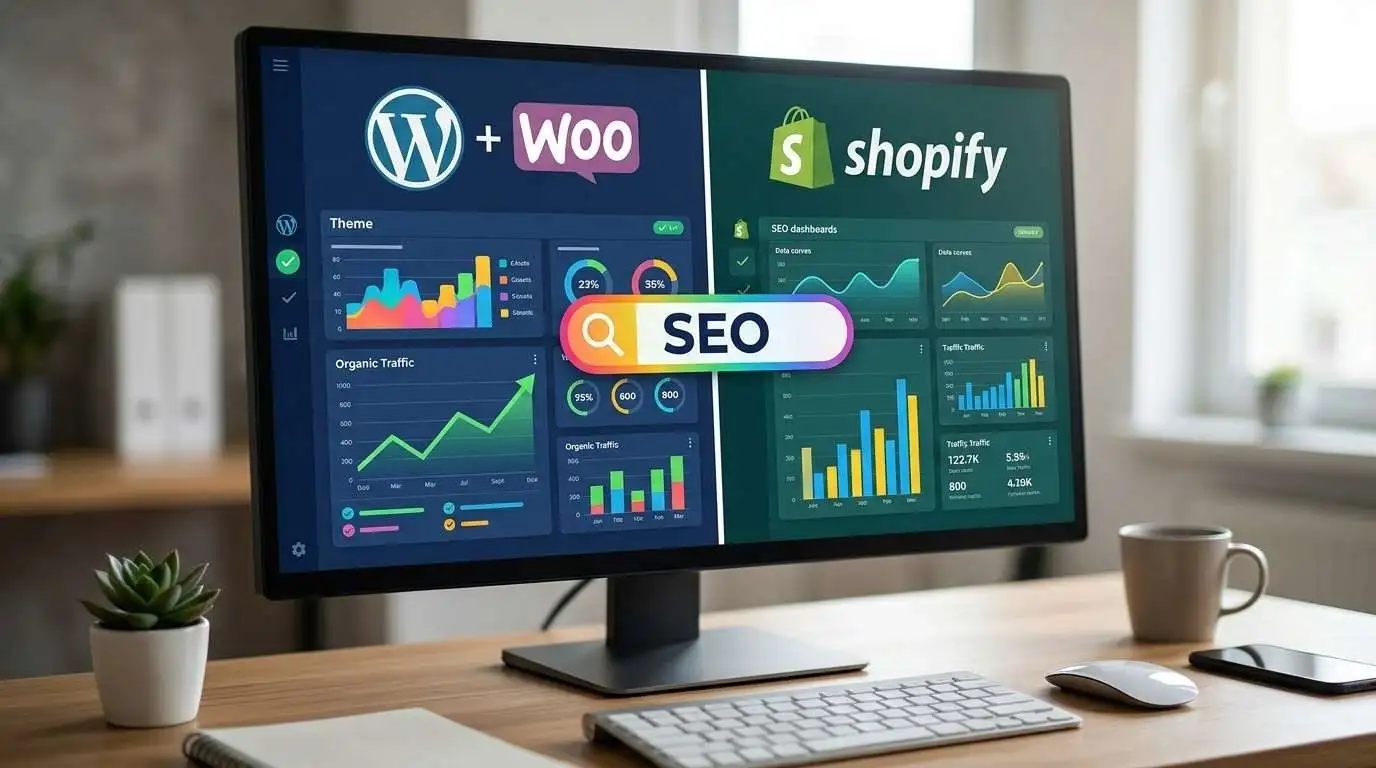
SEO is often the deciding factor for store owners who plan to rely on organic traffic, and this is one of the more nuanced comparisons on the list.
WordPress + WooCommerce
- Built on a CMS designed with content and blogging at its core, which makes it easier to publish SEO-focused content alongside your product pages
- SEO plugins like Yoast or Rank Math give granular control over meta tags, schema markup, and on-page optimization
- Full control over site structure, URL slugs, and permalinks
- Page speed depends heavily on your hosting provider, theme choice, and plugin load it can be excellent or poor depending on setup
WordPress vs Shopify SEO
- Solid built-in SEO basics: clean URL structure, auto-generated sitemaps, and editable meta titles/descriptions
- Blogging functionality exists but is more limited compared to WordPress’s content tools
- Hosted infrastructure means consistent site speed and uptime without you managing servers
- Less flexibility to customize technical WordPress vs Shopify SEO elements like URL structure for certain page types (e.g., product URLs always include /products/).
Security & Support
Shopify
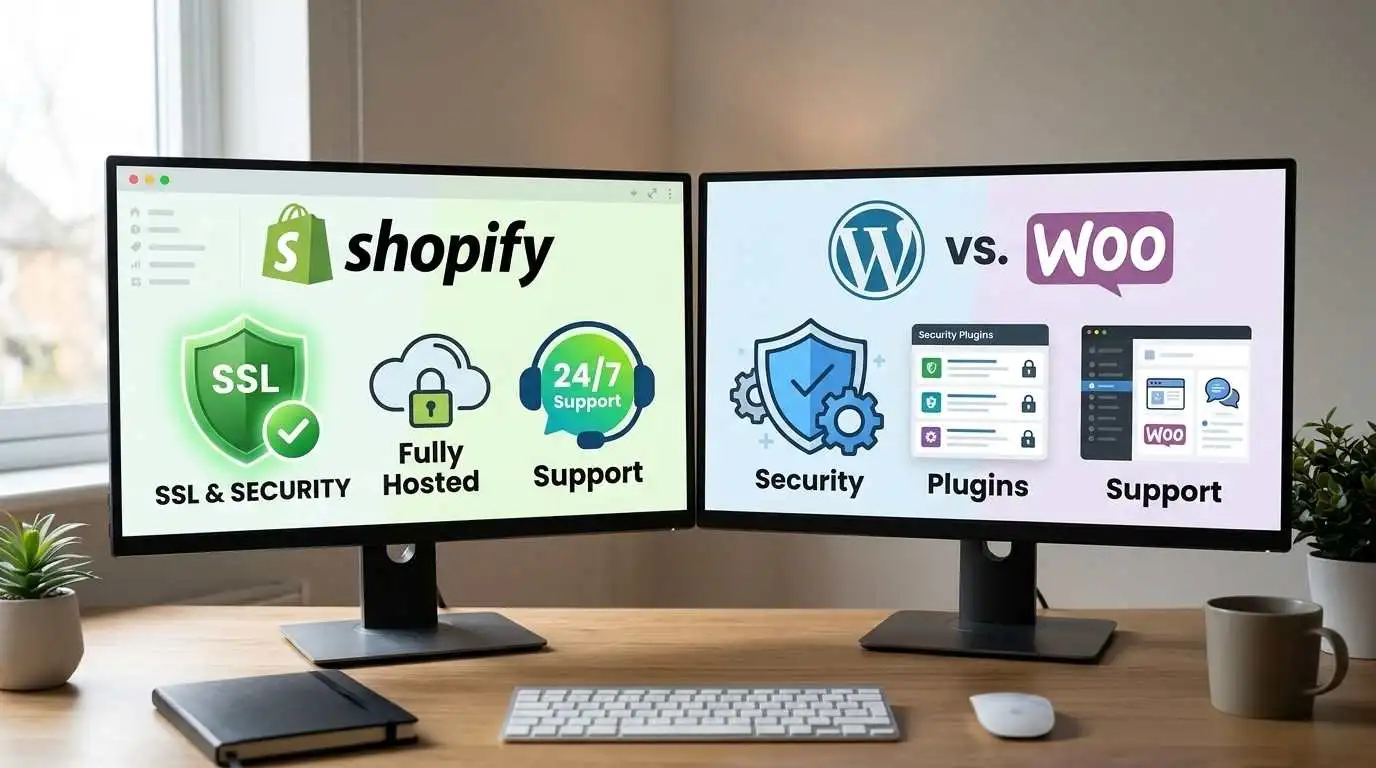
- Fully hosted, meaning Shopify handles server security, SSL certificates, and PCI compliance automatically
- Regular platform-wide security updates happen without any action needed from the store owner
- 24/7 customer support is available directly through Shopify via chat, email, or phone
- Less control over security configuration, but also less responsibility
WordPress + WooCommerce
- Security is the store owner’s responsibility. This includes SSL setup, regular updates, and malware protection
- Security plugins (like Wordfence or Sucuri) can significantly strengthen protection, but require setup and monitoring
- No built-in customer support help comes from hosting providers, plugin developers, community forums, or hired developers
- More control over security measures, but more accountability if something goes wrong
Scalability
WordPress vs Shopify
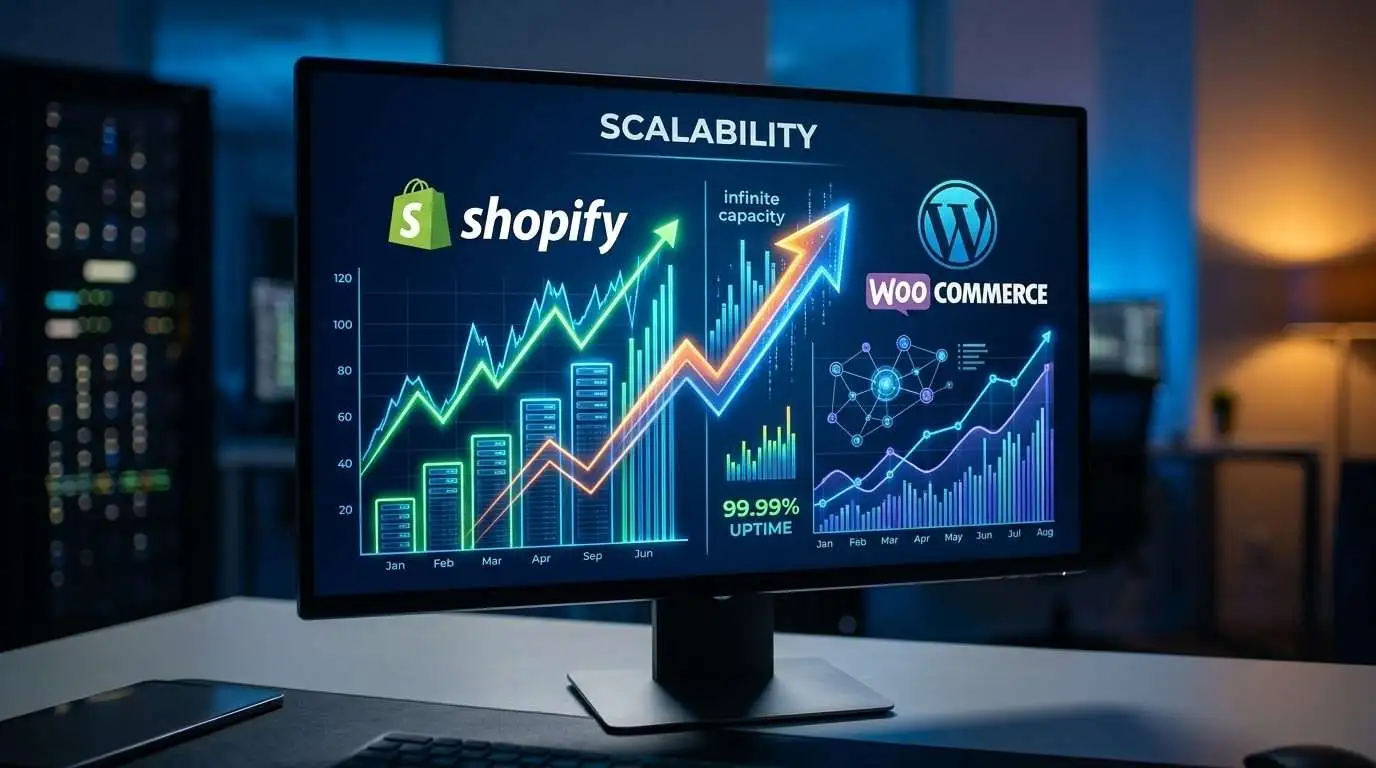
- Built to handle traffic spikes and high order volumes without performance dips, even during major sales events
- Higher-tier plans unlock advanced features for larger catalogs and multi-location selling
- Scaling mostly means upgrading your plan or adding apps; infrastructure isn’t something you manage
- Enterprise-level Shopify Plus exists for very large stores
WordPress + WooCommerce
- Can scale significantly, but performance depends on your hosting quality and how well the site is optimized
- Large product catalogs or high traffic may require upgrading hosting infrastructure or optimizing plugins
- More flexibility to scale exactly how you want, since you’re not limited to a single provider’s ecosystem
- Requires more hands-on management as complexity grows
Checkout Experience

Shopify
- Native, built-in checkout optimized for conversions out of the box
- Consistently fast and reliable since it’s part of Shopify’s core infrastructure
- Limited customization of the checkout flow on lower-tier plans
- Shop Pay offers accelerated checkout, which can boost conversion rates
WordPress + WooCommerce
- Checkout relies on WooCommerce and any additional plugins you add
- Highly customizable so you can build the exact checkout flow you want
- Checkout speed and reliability depend on your hosting and how well the site is optimized
- More setup work required to reach a polished, high-converting checkout experience
Shopify’s checkout is fast and conversion-ready from day one. WordPress can match or exceed it, but getting there takes more deliberate setup and testing.
Which Platform Is Right for You? (Decision Framework)
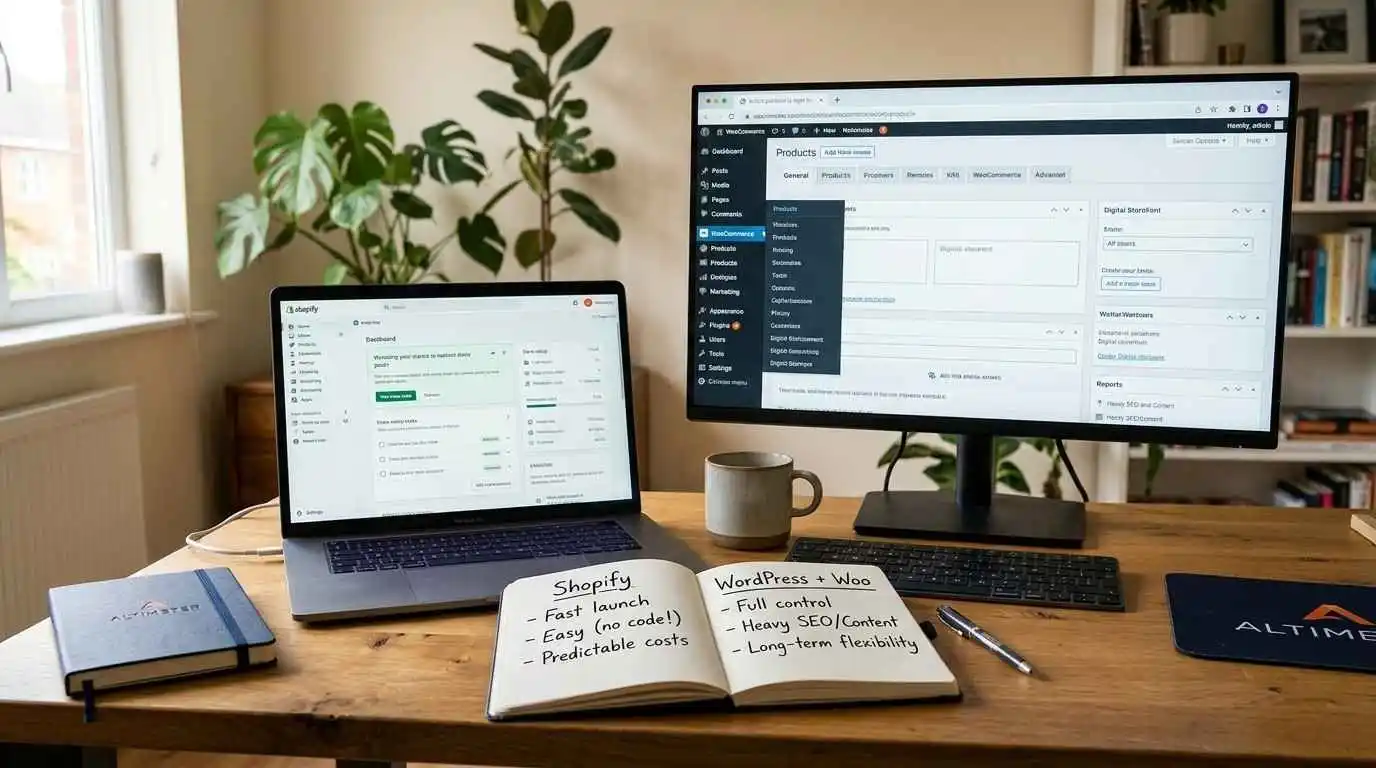
Choose Shopify vs WordPress if you:
- Want to launch quickly without a technical learning curve
- Prefer predictable monthly costs over variable expenses
- Value built-in security, support, and reliable performance
- Don’t need heavy content marketing or blogging capabilities
Choose WordPress + WooCommerce if you:
- Want full control over design, functionality, and site structure
- Plan to invest heavily in SEO and content marketing
- Are comfortable managing (or hiring help for) hosting, updates, and security
- Want to avoid ecosystem lock-in and keep long-term costs flexible
FAQs – Shopify vs WordPress
Which platform is better for SEO, WordPress or Shopify?
WordPress generally offers stronger SEO capabilities, thanks to plugins like Yoast and Rank Math and its content-first architecture. Shopify covers SEO fundamentals well but offers less flexibility for advanced technical optimization.
Is Shopify or WordPress more affordable long term?
It depends on your store’s complexity. Shopify’s costs are predictable through subscription tiers, while WordPress can be cheaper for simple stores but grows in cost as you add premium plugins and scale hosting.
Which platform is easier for a beginner to manage?
Shopify is easier for beginners, since it’s a fully hosted platform with a guided setup and no technical maintenance required. WordPress has a steeper learning curve but offers more control once you’re comfortable with it.
How do WordPress plugins compare to Shopify apps?
WordPress plugins are generally more numerous, often free, and highly customizable. Shopify apps are more streamlined and tightly integrated but can add up in cost as your store’s needs grow.
Which platform offers more design flexibility?
WordPress offers significantly more design flexibility, since you have direct access to the underlying code. Shopify provides polished, professional themes but works within a more structured design framework.
Is Shopify more secure than a self-hosted WordPress store?
Shopify handles security, SSL, and PCI compliance automatically as part of its hosted platform. WordPress security depends on the store owner’s setup, making it potentially just as secure but requiring active management.
Which platform scales better as an online store grows?
Shopify scales with less effort since infrastructure is managed for you, especially with Shopify Plus for larger stores. WordPress can scale just as far, but it requires more attention to hosting and performance optimization.
How difficult is it to migrate from WordPress to Shopify?
Migrating from WordPress to Shopify is manageable, especially for product data, using built-in import tools or migration apps. However, custom functionality, SEO settings, and design elements typically need to be rebuilt to match Shopify’s structure.
Conclusion
There’s no universal winner in the WordPress vs Shopify debate – only the platform that fits your store’s goals, budget, and technical comfort level.
Shopify is the better fit if you want a fast, guided setup with built-in support and security. WordPress is the better fit if you want full creative control, strong SEO potential, and long-term flexibility as your store grows.
Not sure which direction makes sense for your business? Get in touch, and we’ll help you figure out the right platform and build a store that’s set up to grow with you.
Ready to Grow Your Business?
Get expert guidance tailored to your brand — completely free consultation
Get Free Consultation