- UI Design Trends That Improve Website Engagement
- The "Bento Box" Revolution: Organizing the Chaos
- Micro interactions: The Digital "Thank You."
- Tactile Maximalism: Bringing the "Real World" Online
- Kinetic Typography: When Words Find Their Voice
- "Mood-Aware" Dark Mode and Adaptive UI
- Meaningful Scrolly telling
- The Return of the "Human" Cursor
- Summary: The Engagement Toolkit
- The Soul of the Interface
UI Design Trends That Improve Website Engagement
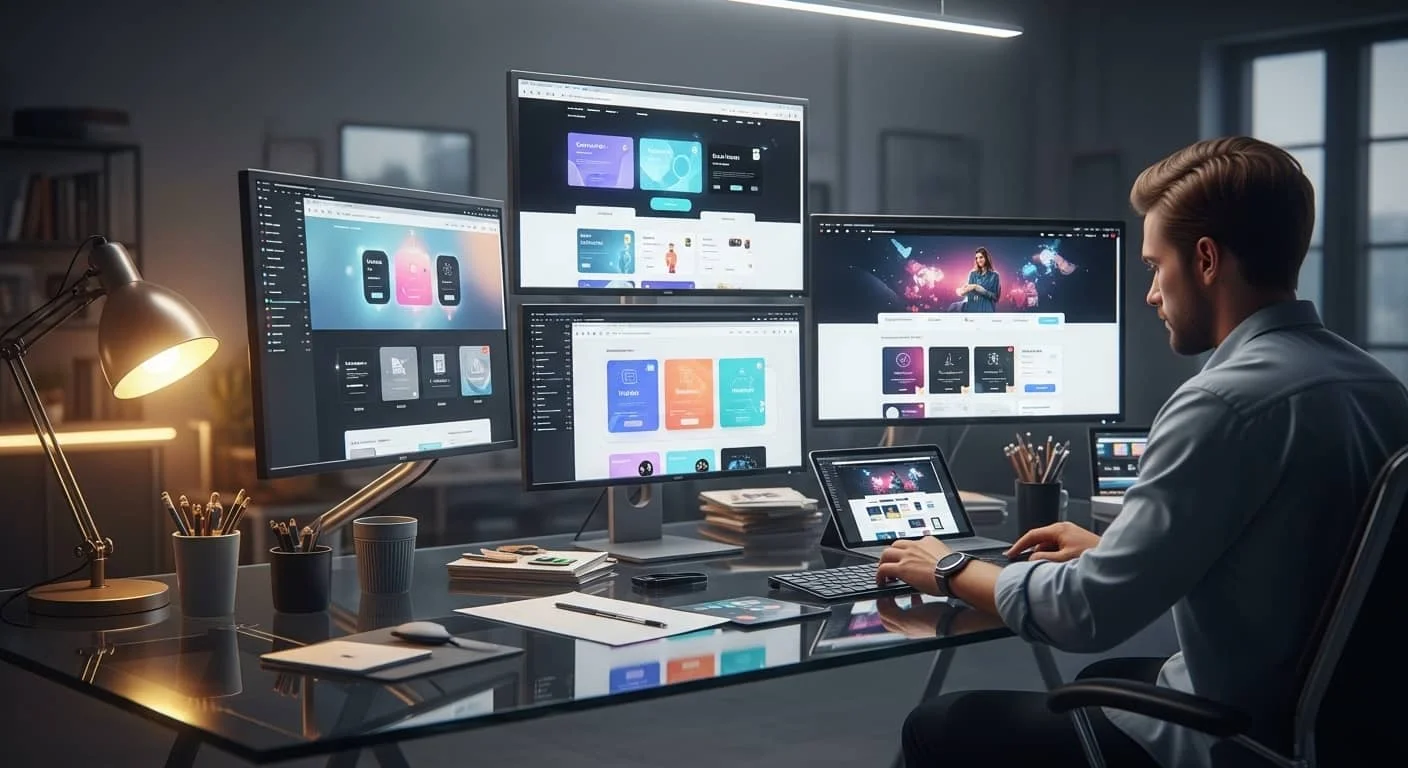
Have you ever visited a website and felt an immediate sense of relief? Everything was where you expected it to be, the buttons felt “clickable,” and the whole experience felt like it was designed by someone who actually understood your needs.
That’s the power of a great User Interface (UI).
At Top Branding Altimeter, we talk a lot about brand strategy. But if strategy is the soul of your business, UI is the face.
It’s the first impression, the firm handshake, and the guided tour. In 2026, the trend has shifted away from the cold, clinical “flat design” of the 2010s toward something much more tactile, responsive, and—dare we say—human.
If your website feels like a static PDF from 2018, you aren’t just looking “dated”—you’re telling your customers that you’ve stopped innovating. Let’s explore the modern UI design trends that are turning passive scrollers into active brand advocates.
The “Bento Box” Revolution: Organizing the Chaos
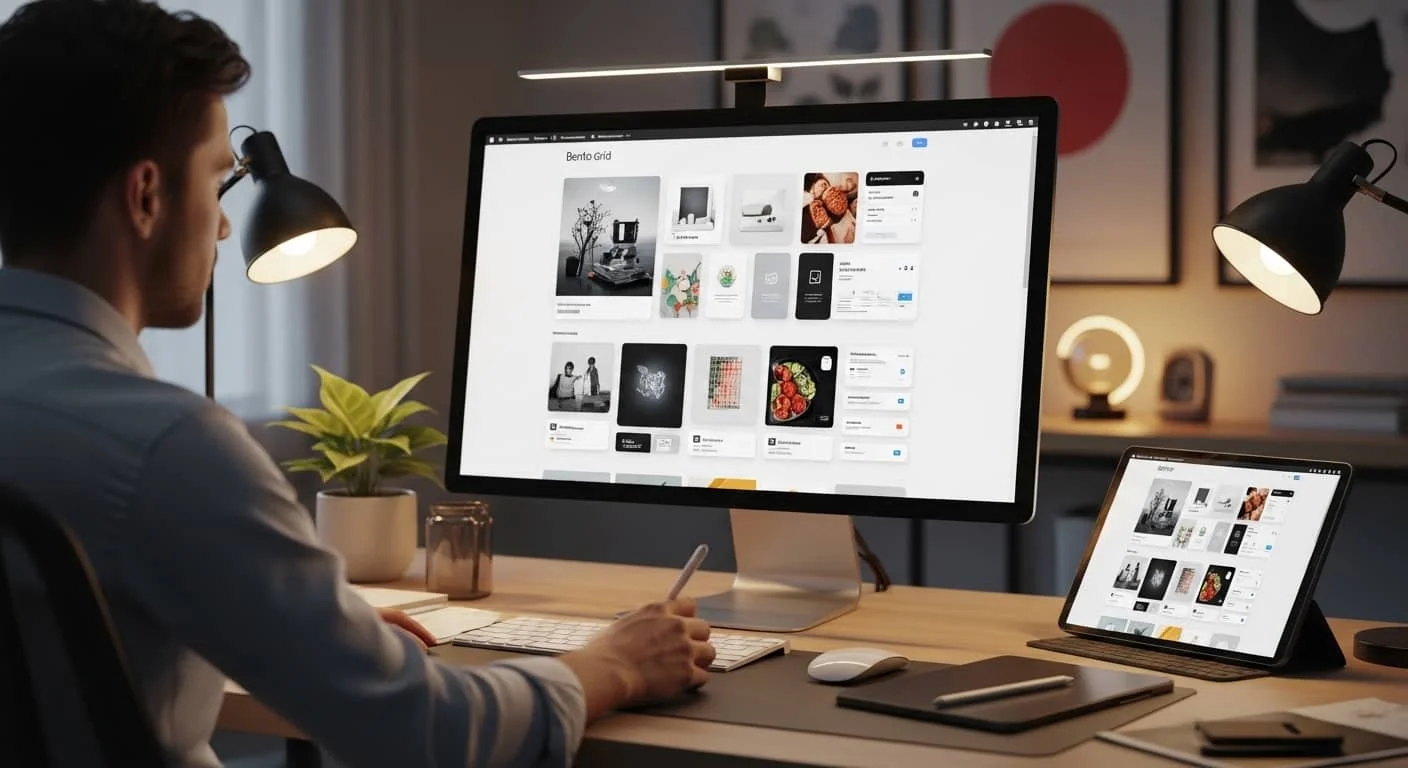
We’ve all seen those websites that feel like a junk drawer—information scattered everywhere with no rhyme or reason. Enter the Bento Grid. Inspired by the compartmentalized Japanese lunch box, this layouts style has taken the design world by storm.
Why It Works for Humans
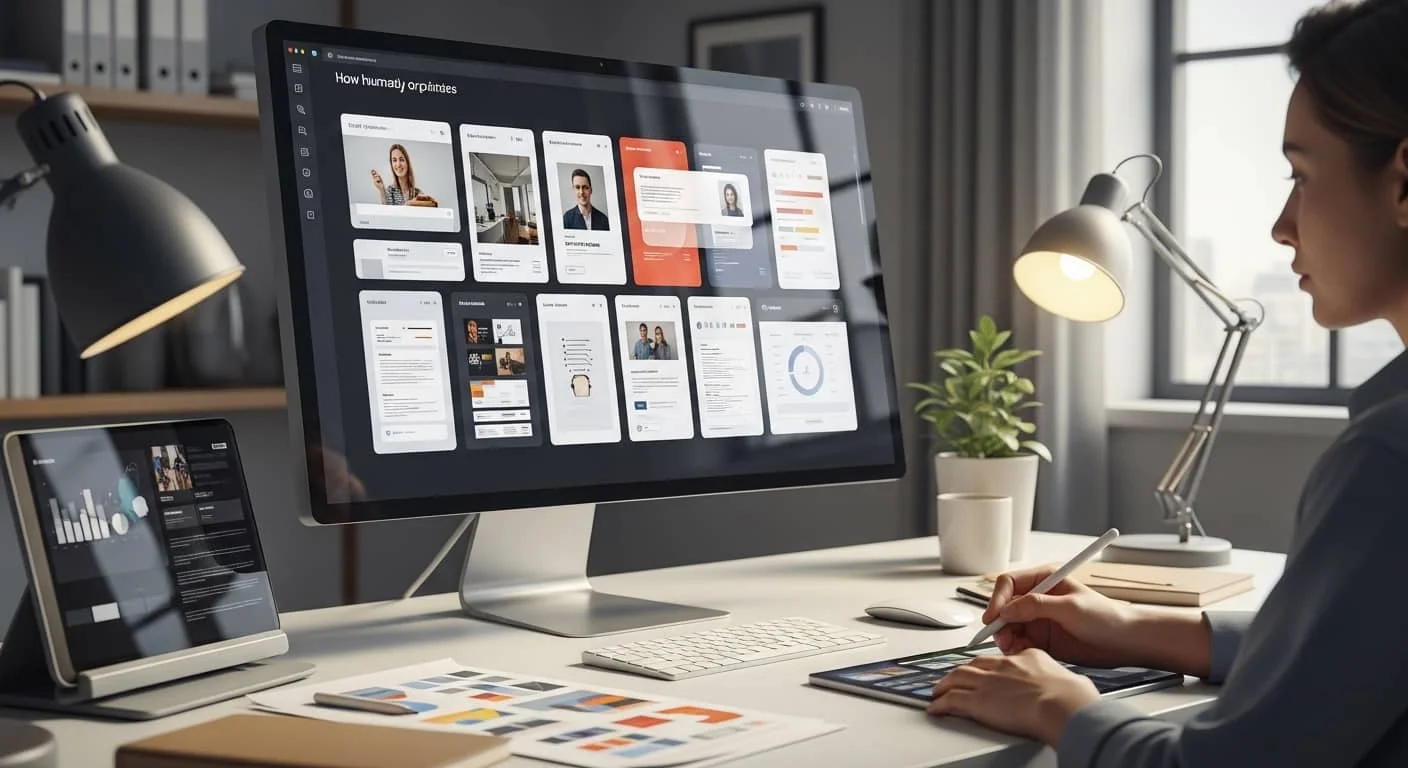
As humans, our brains are hardwired to categorize. We like boxes. We like order. The Bento Grid takes various pieces of content—a testimonial, a product shot, a “Call to Action” (CTA), and a stat—and gives them each a dedicated “cell.”
The Branding Benefit
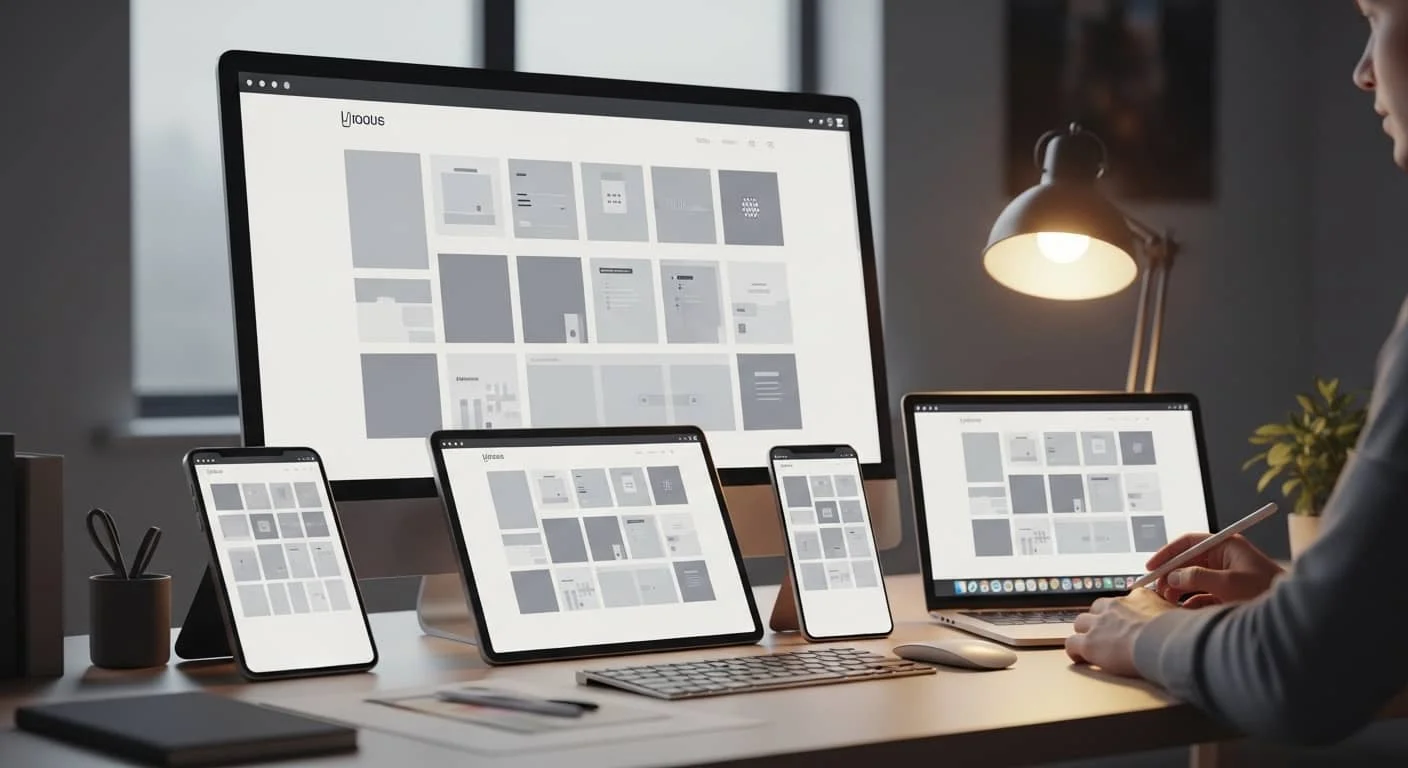
For a business, this is a lifesaver. It allows you to tell a multi-faceted story without the user having to scroll through a three-mile-long landing page.
It’s modular, it’s clean, and most importantly, it’s incredibly responsive. Whether someone is on a massive desktop monitor or a tiny smartphone, those “bento cells” just stack and rearrange themselves perfectly. It says, “We are organized, we are modern, and we value your time.”
Micro interactions: The Digital “Thank You.”
Imagine walking into a store, asking a question, and the clerk just stares at you silently. No nod, no “one moment,” nothing. You’d feel ignored, right?
In the digital world, a lack of micro interactions feels exactly like that silent clerk.
What Are They?
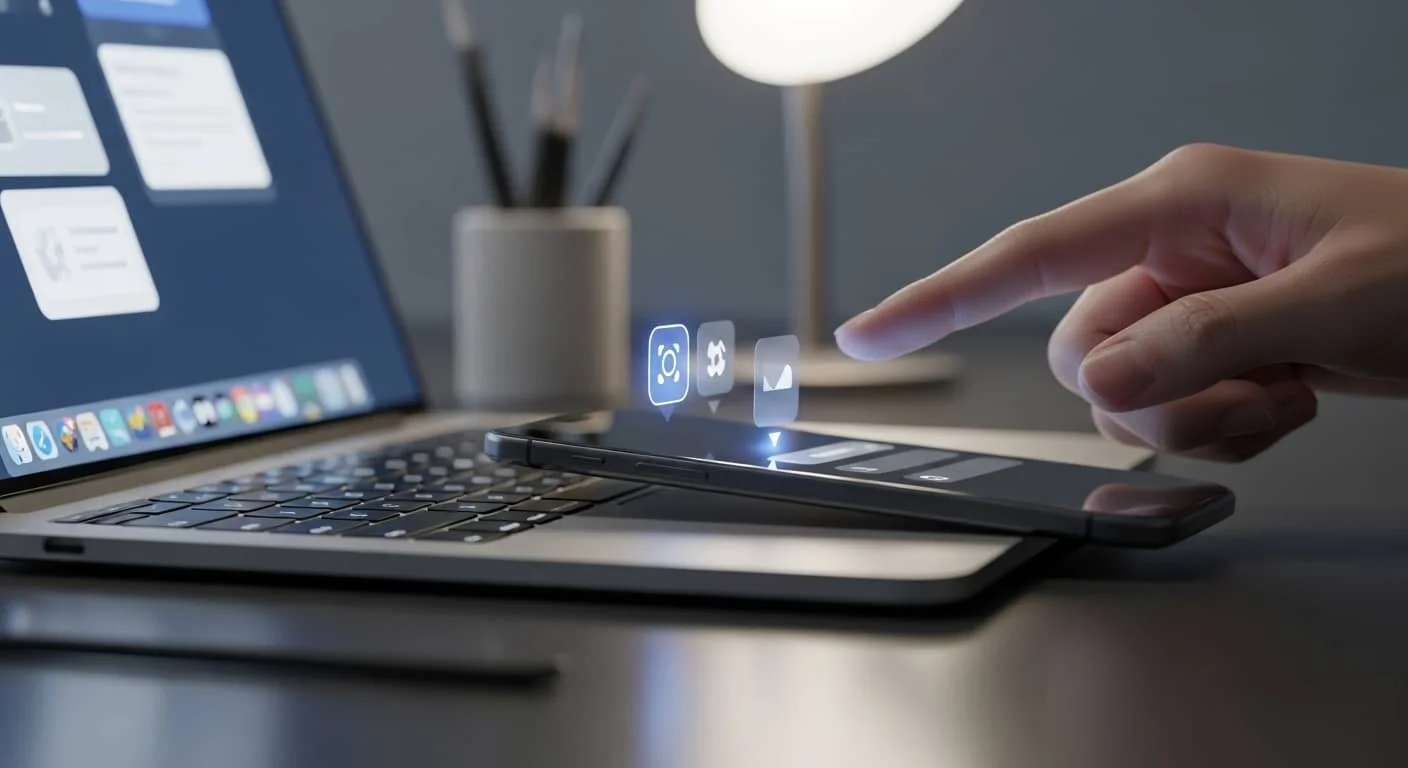
A micro-interaction is that tiny bit of animation that happens when you do something. It’s the way a heart icon “pops” when you like a post, or how a “Submit” button turns into a checkmark once you click it.
Building Trust Through Feedback
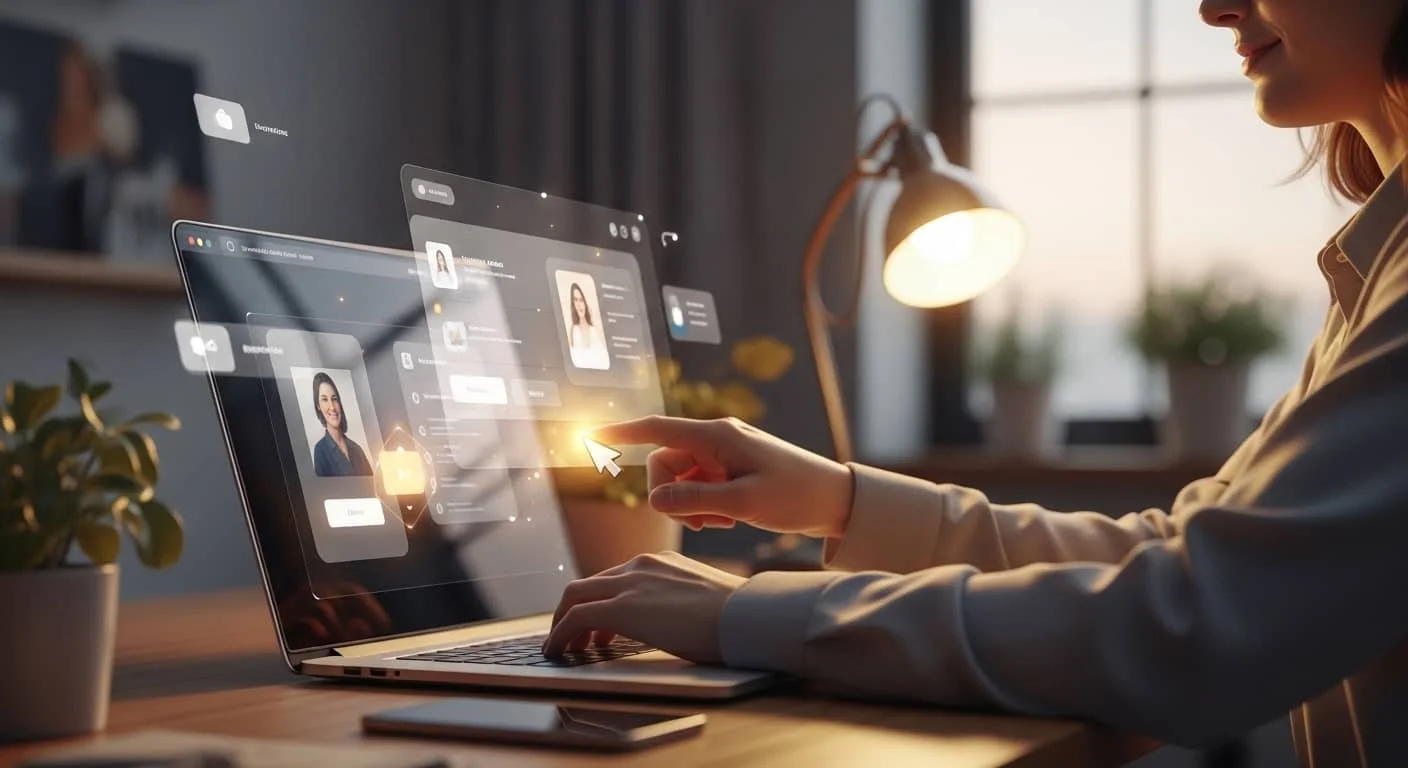
These aren’t just “bells and whistles.” They serve a vital psychological purpose: feedback. When a button subtly changes shape or color under a user’s cursor, it’s the website’s way of saying, “I see you. I’m processing your request.”
This tiny bit of validation reduces the friction of the user journey and makes the interface feel “alive.” It turns a cold transaction into a warm interaction.
Tactile Maximalism: Bringing the “Real World” Online
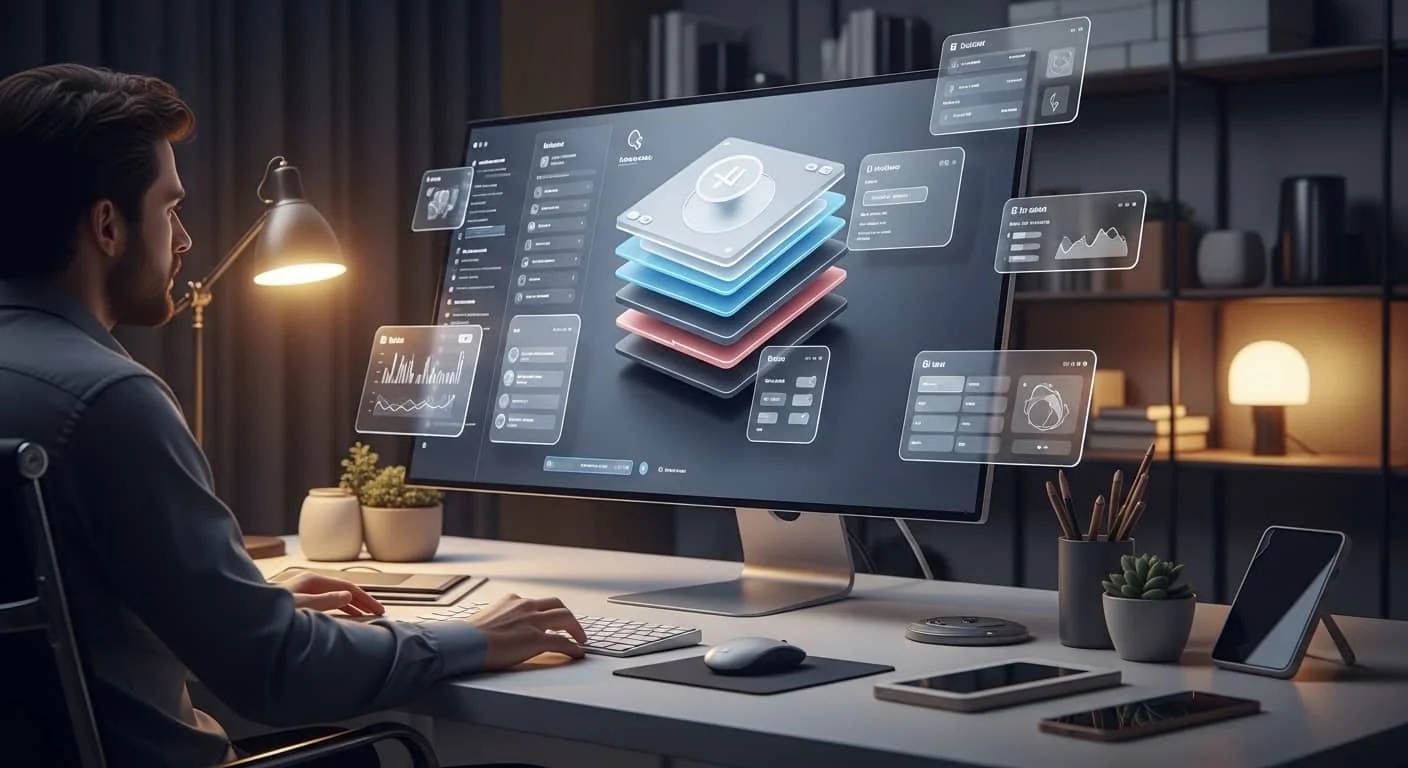
For years, UI design trends tried to be as flat as possible. We lost shadows, we lost textures, and we lost depth. But in 2026, we’re seeing a massive return to Tactile Maximalism—also known as “Glassmorphism” or “Neumorphism.”
Making the Screen “Touchable”
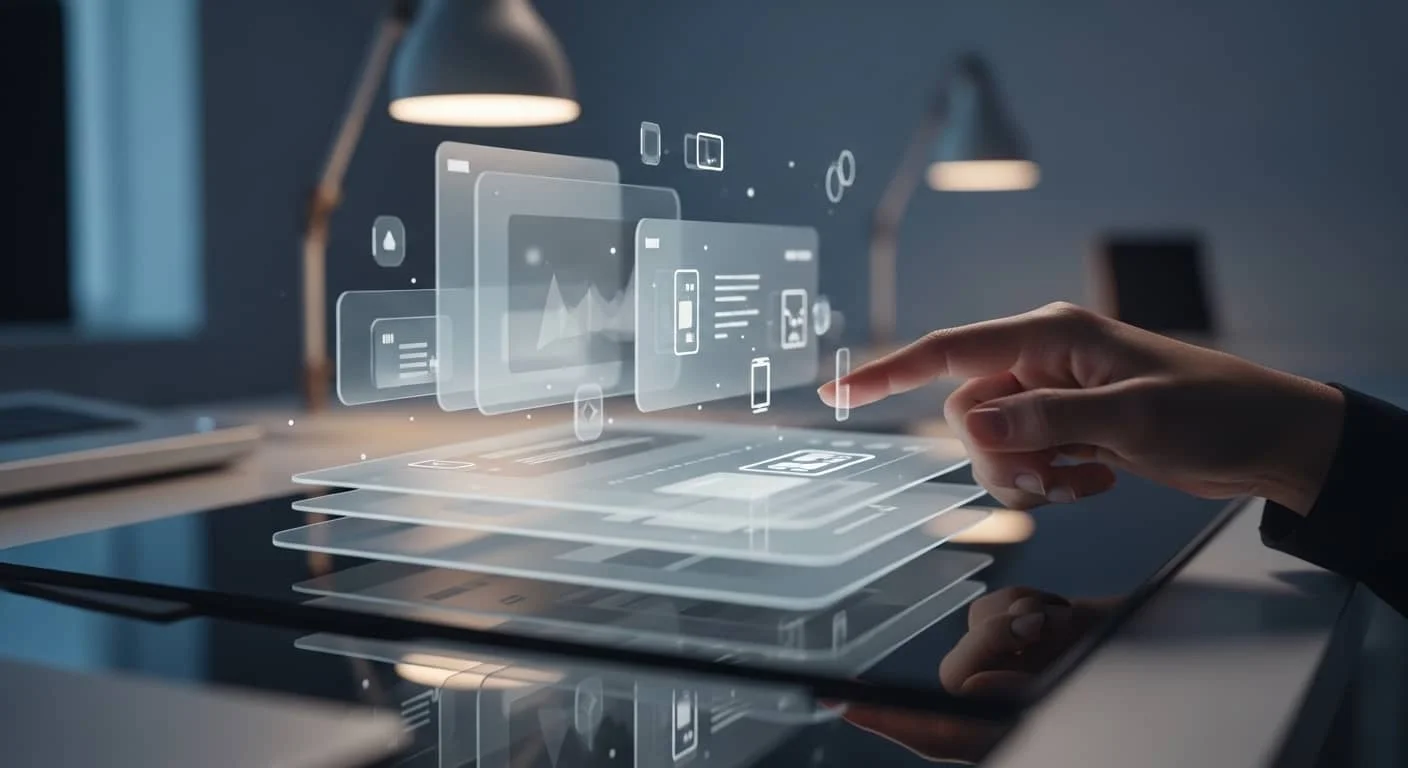
We are physical creatures. We like things we can touch. Modern UI is leaning into this by using soft shadows, blurred background layers (the “frosted glass” look), and 3D elements that look like they could be plucked right off the screen.
Why This Boosts Engagement
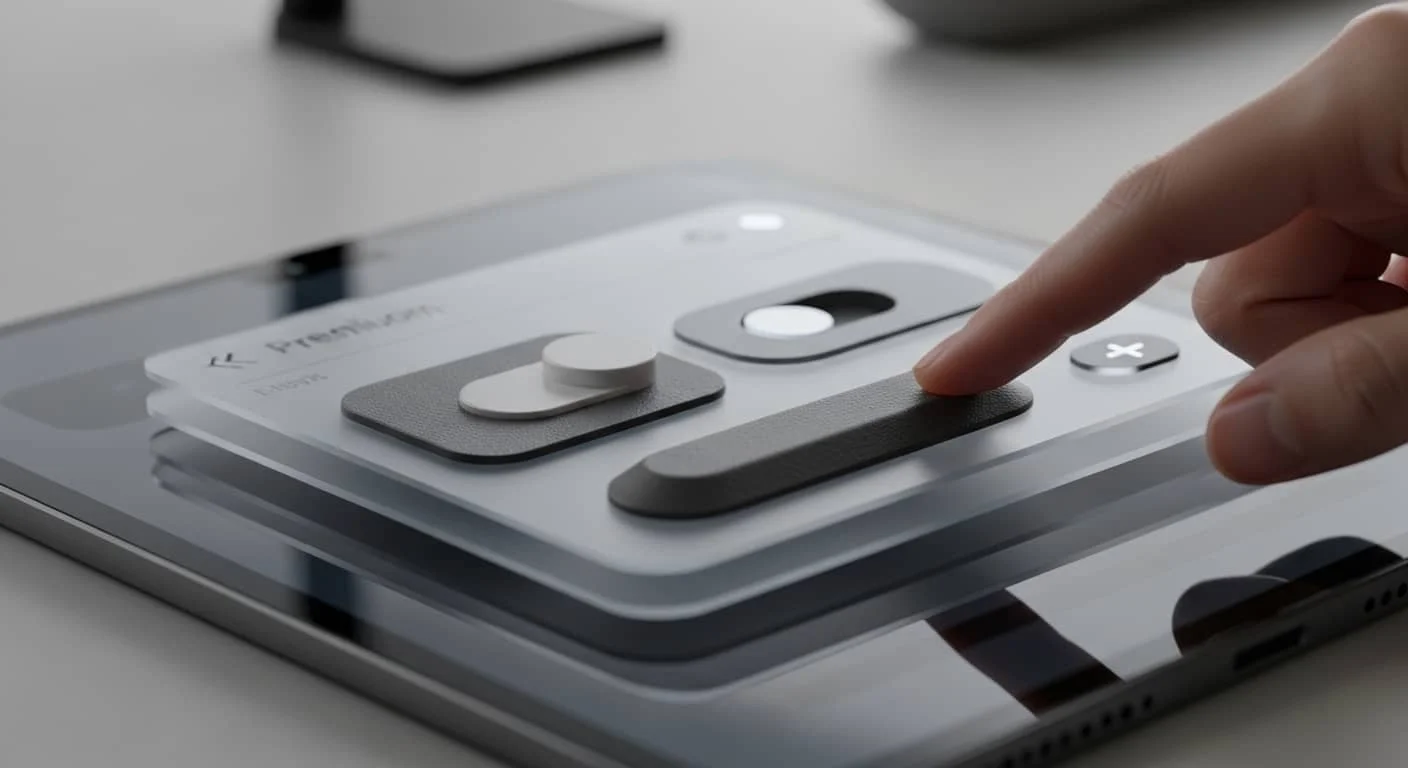
When an element looks like it has physical weight or texture, our brains are more likely to interact with it.
A button that looks like a real, physical toggle is much more inviting to click than a flat blue rectangle.
It creates a “sensory” experience in a medium that is usually strictly visual. For a brand, this adds a layer of “premium” quality that flat design simply can’t match.
Kinetic Typography: When Words Find Their Voice
If you want to grab someone’s attention, you don’t just stand there—you move. The same applies to your website’s copy. Kinetic typography is the trend of making text move, stretch, or react as the user scrolls.
Beyond Static Headlines
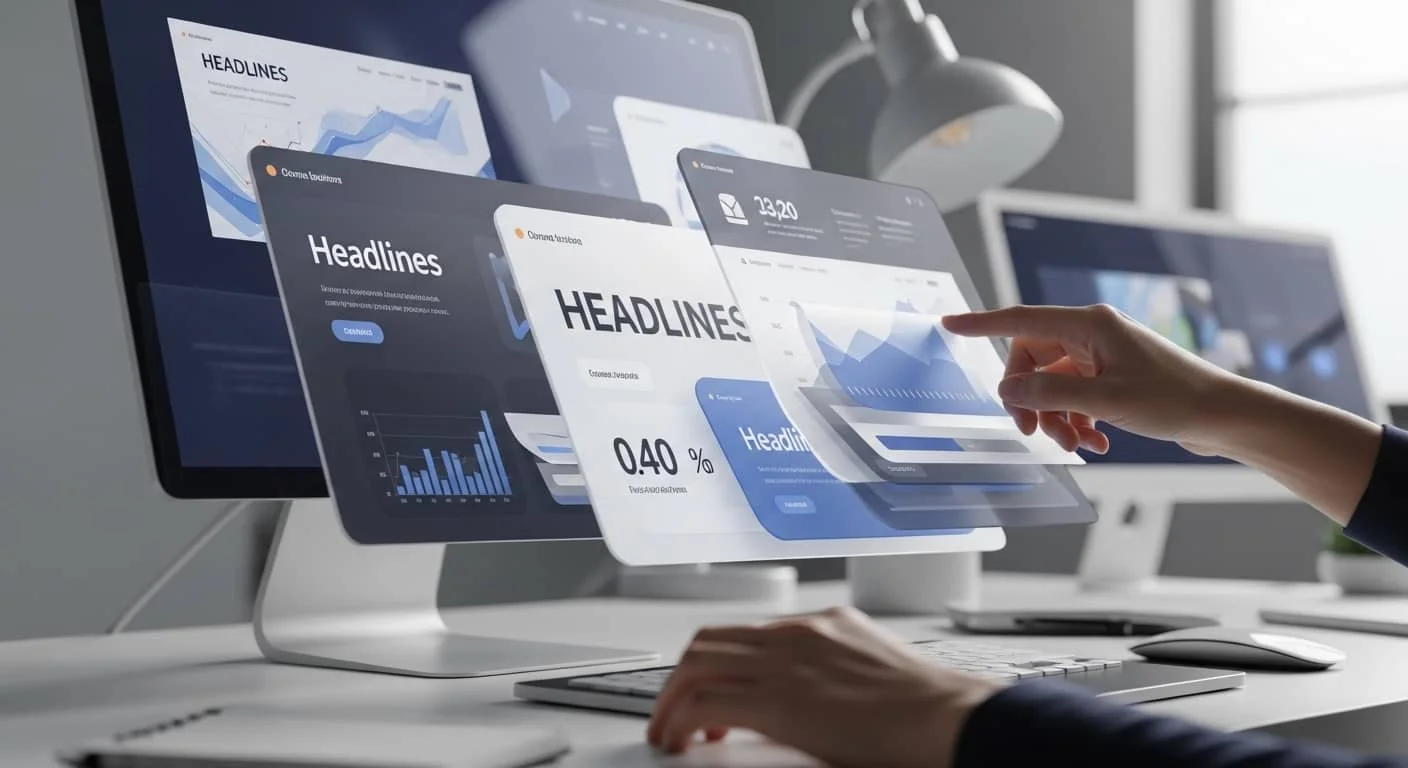
Gone are the days when text just sat there. Now, headlines might gently “unfurl” as you scroll down, or key statistics might count up from zero when they enter the viewport.
The Human Element
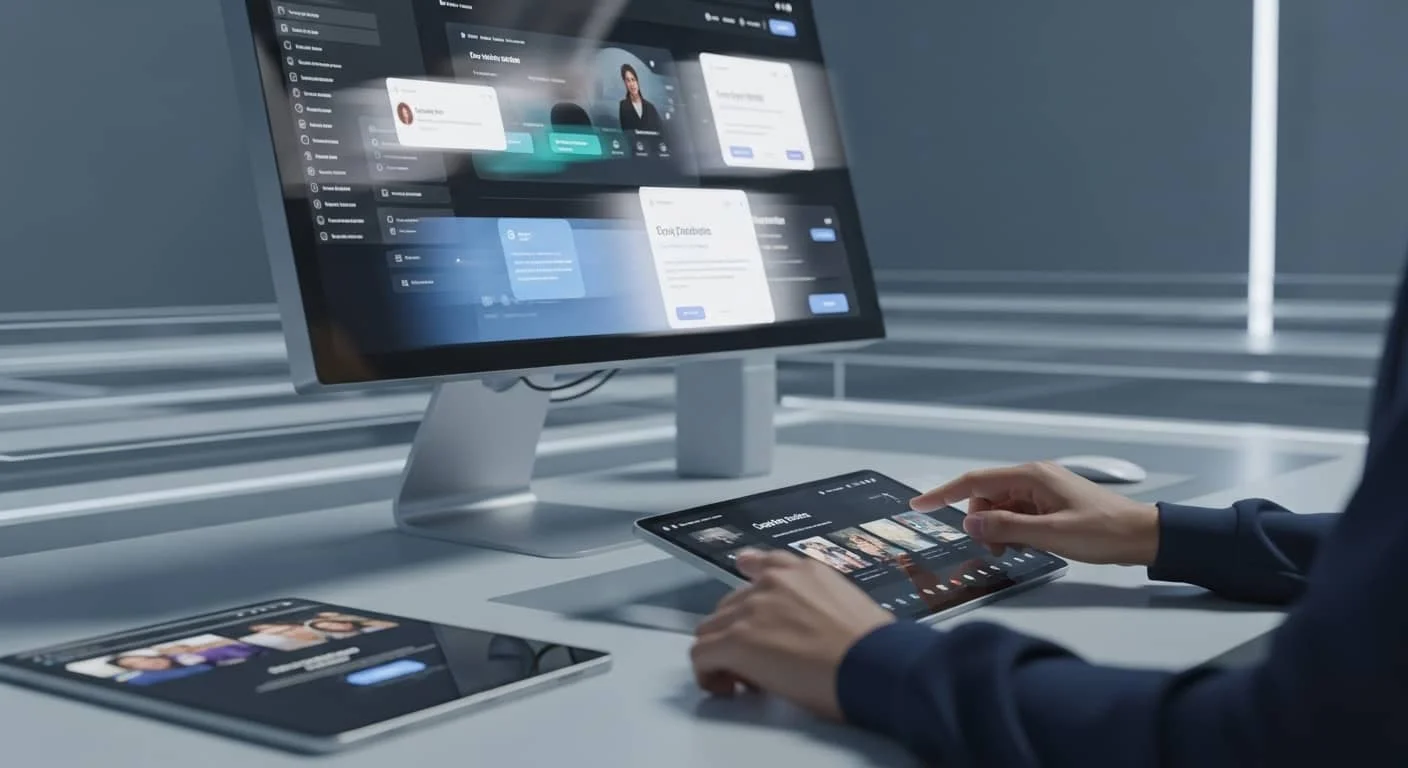
Motion draws the eye. By using kinetic type, you are essentially “pointing” at the most important parts of your message.
It turns reading into an active experience rather than a chore. However, a word of caution: like any strong spice, use it sparingly. Too much movement makes the user feel seasick; just enough makes them feel like they’re part of a story.
“Mood-Aware” Dark Mode and Adaptive UI
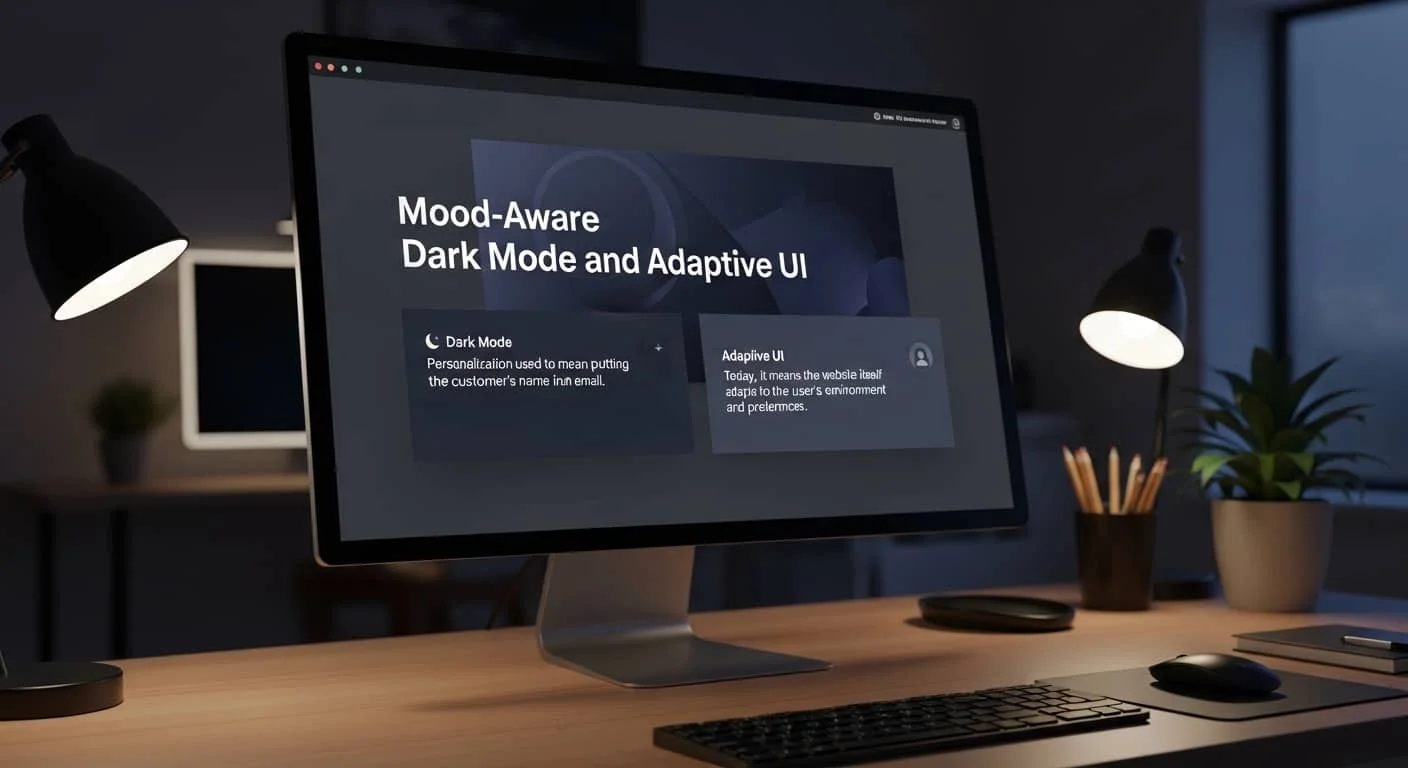
Personalization used to mean putting the customer’s name in an email. Today, it means the website itself adapts to the user’s environment and preferences.
The Rise of Adaptive UI
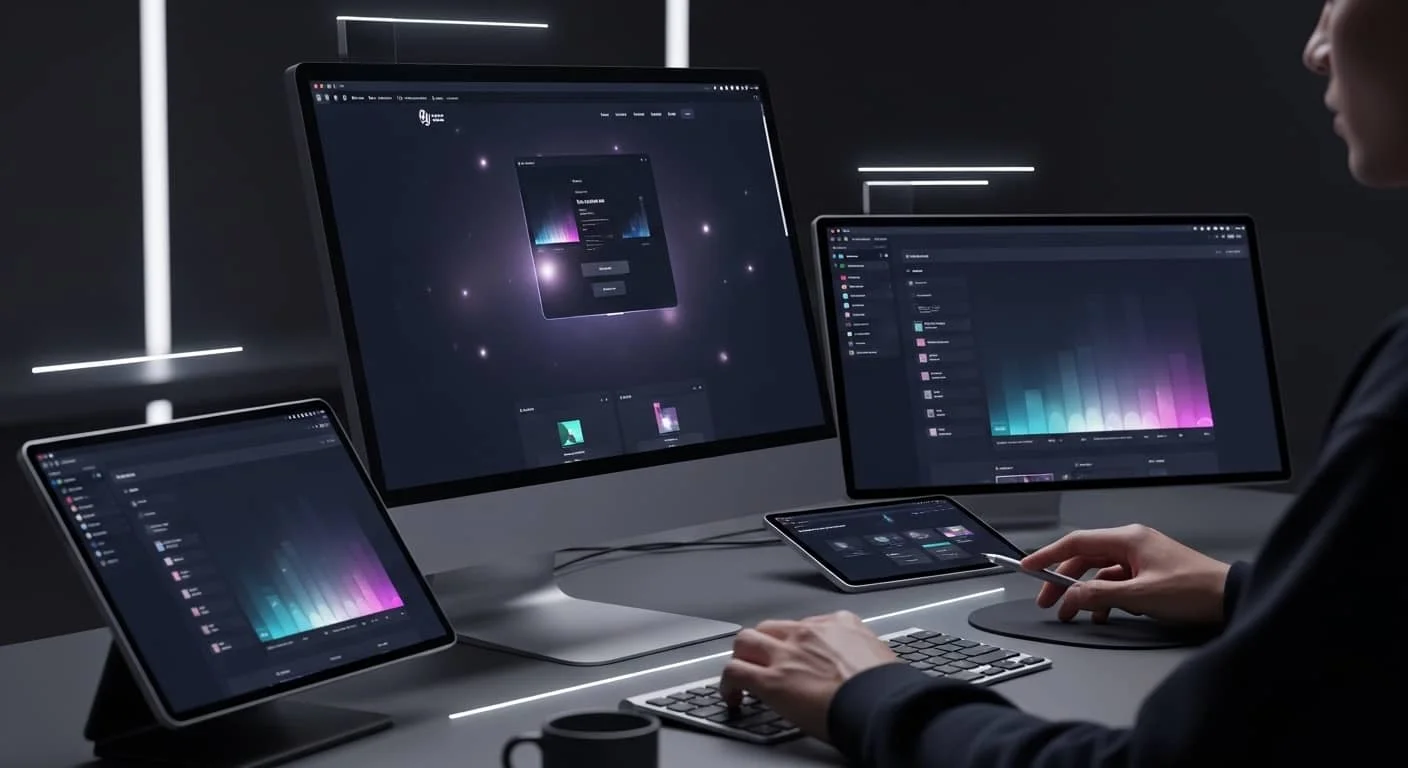
We’ve all experienced the blinding “white screen of death” when opening a website in a dark room at night. Modern UI design trends now prioritize “Dark Mode” as a standard, not an afterthought.
But it goes further—some sites now detect your local time or light levels and adjust their color palette accordingly.
Why Engagement Soars
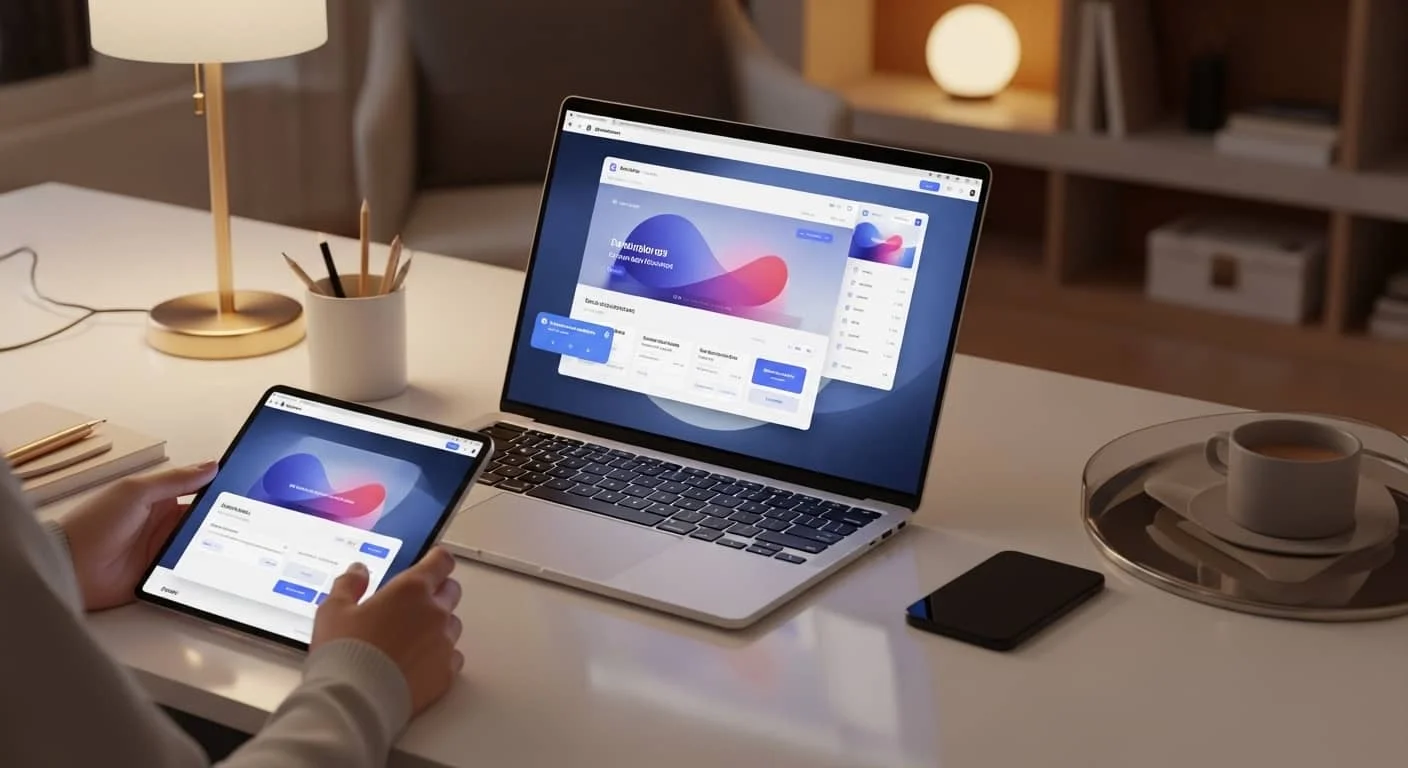
This is the ultimate form of digital empathy. It says, “We care about your comfort.” When a user feels comfortable on your site, they stay longer. When they stay longer, they are more likely to convert.
It’s about creating an environment that fits into the user’s life, rather than forcing the user to adapt to the website’s constraints.
Meaningful Scrolly telling
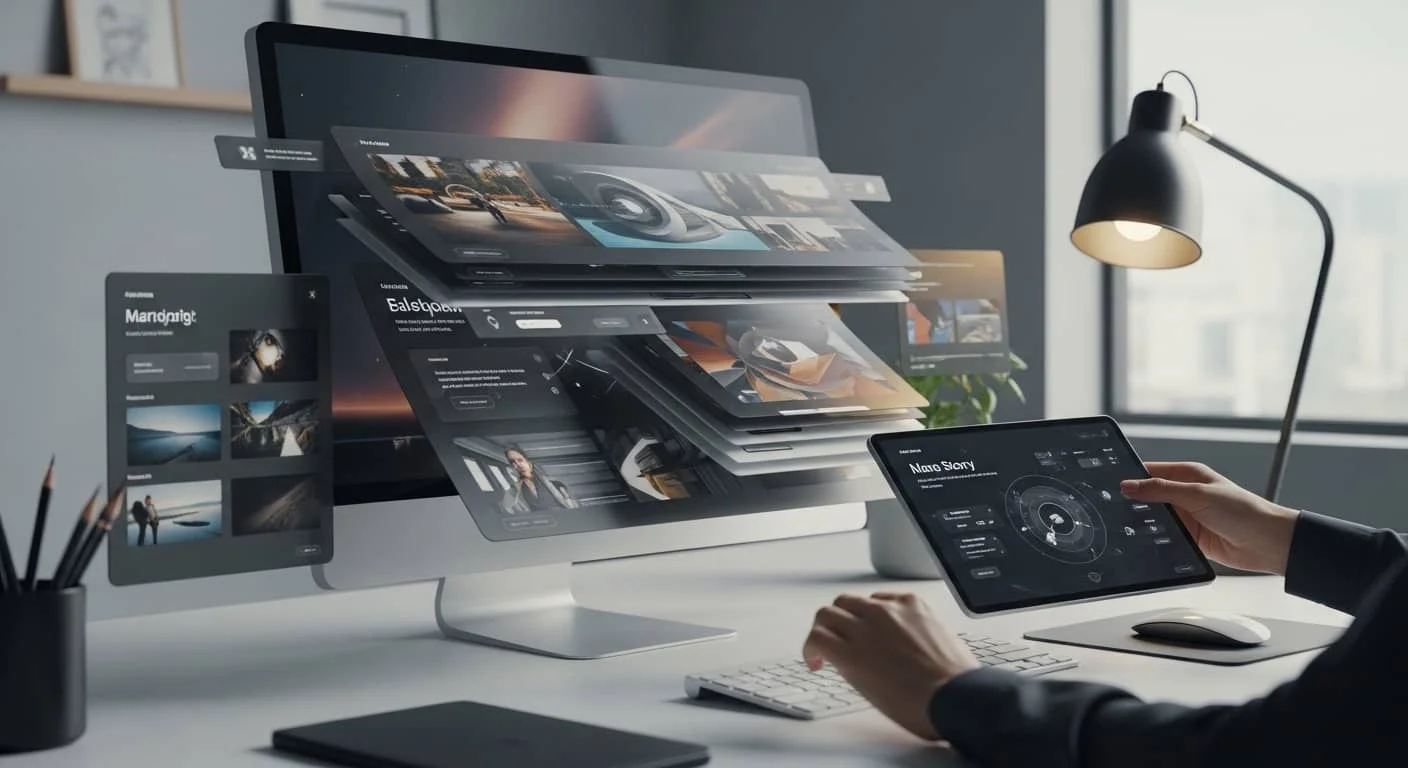
Scrolling shouldn’t just be a way to get to the bottom of the page; it should be a narrative journey. This is what we call “Scrollytelling.”
The Journey, Not the Destination
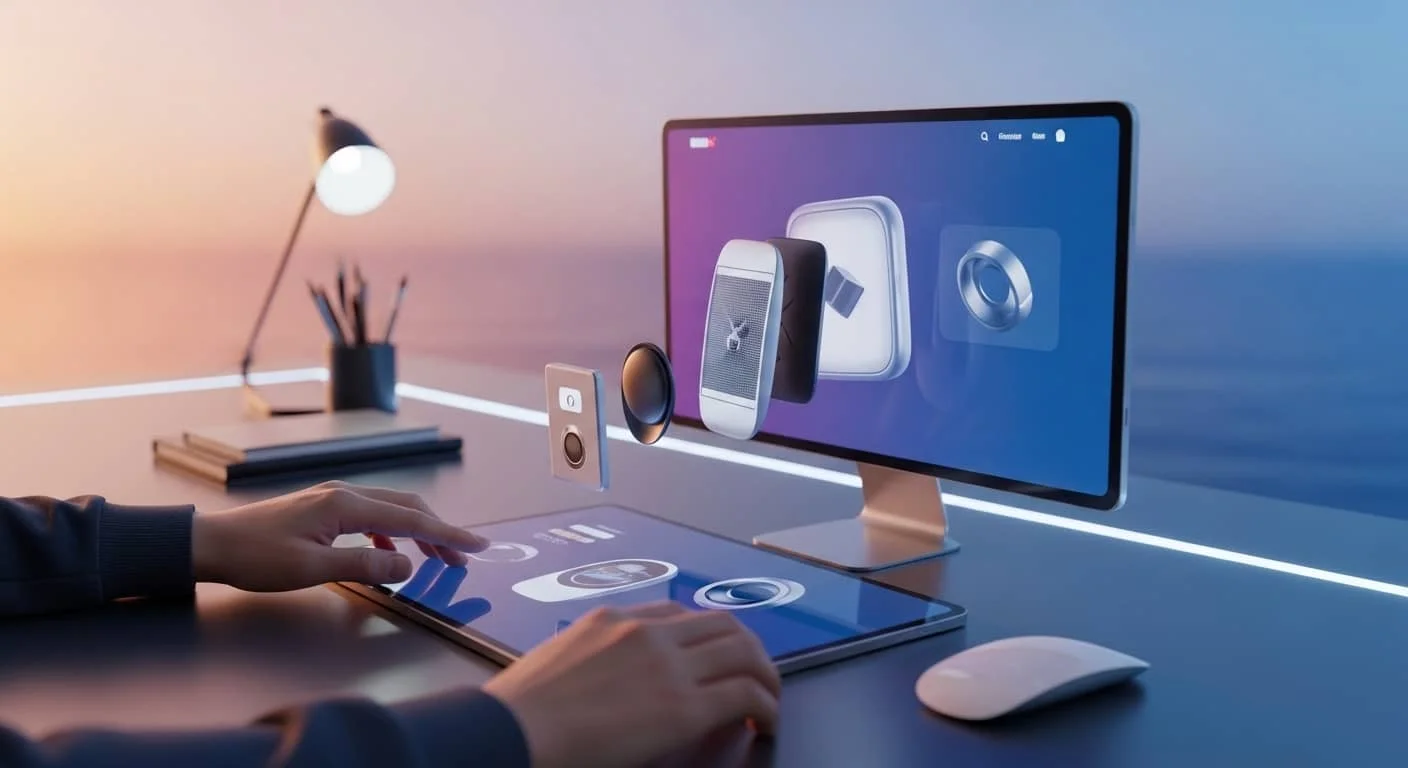
As the user moves their mouse wheel or swipes their thumb, elements on the screen should change to reflect the story.
Maybe a product “assembles” itself as you scroll, or a background color shifts from dawn to dusk.
Engaging the “Explorer” Mindset
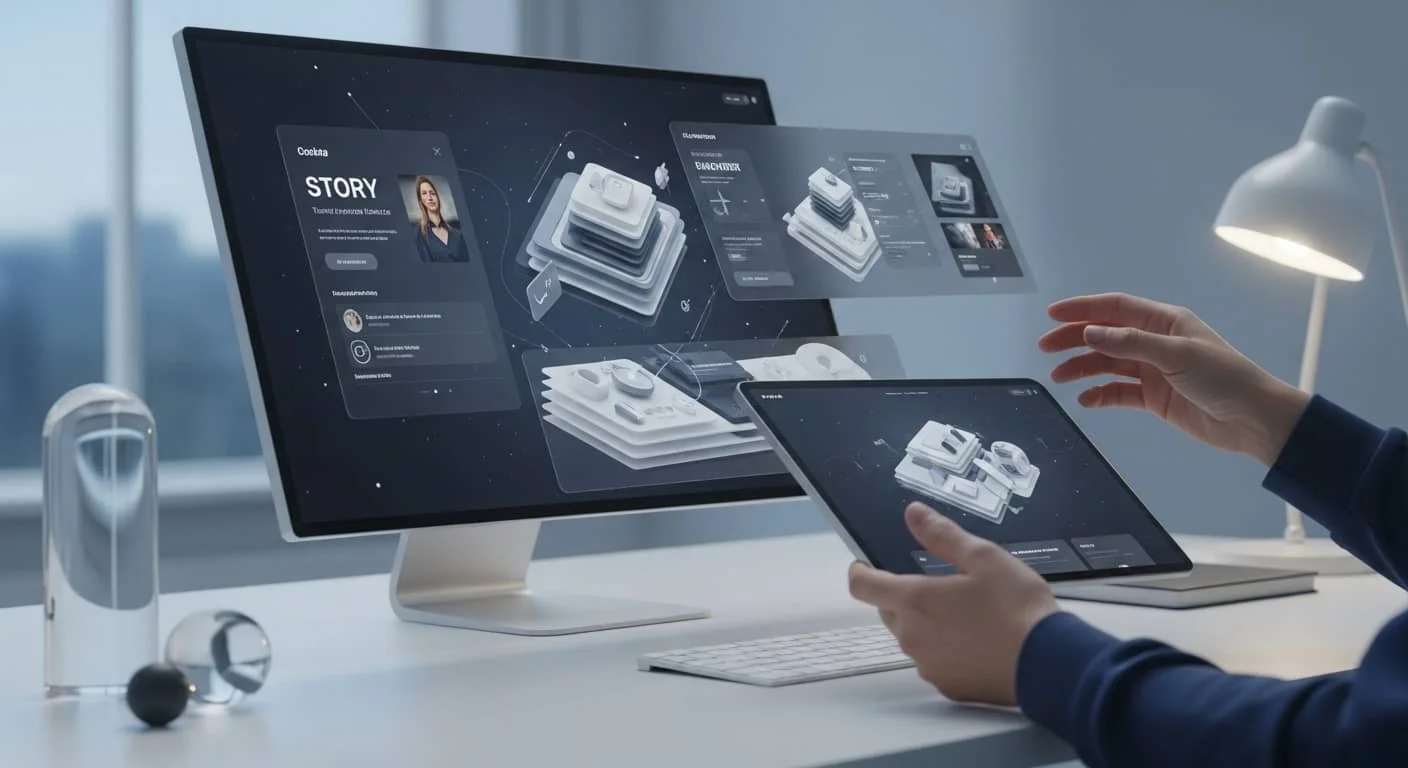
This turns the user from a passive observer into an explorer. It keeps them curious. “What happens if I scroll a bit further?” is the exact thought you want your customers to have.
By turning your value proposition into a visual story, you ensure that your message actually sticks.
The Return of the “Human” Cursor
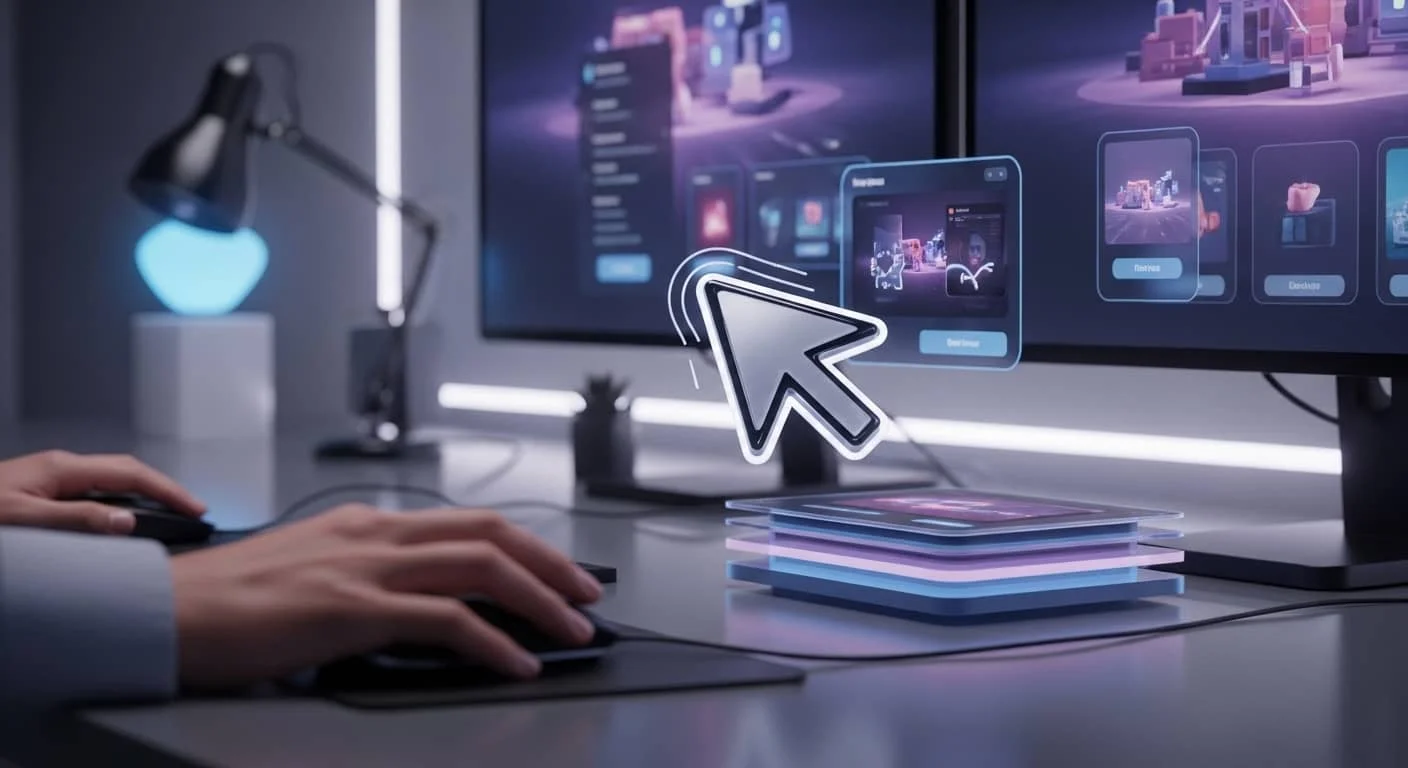
One of the most fun trends of 2026 is the customized cursor. Standard white arrows are being replaced by brand-aligned shapes, or cursors that react to what they are hovering over.
Adding Personality to Every Pixel
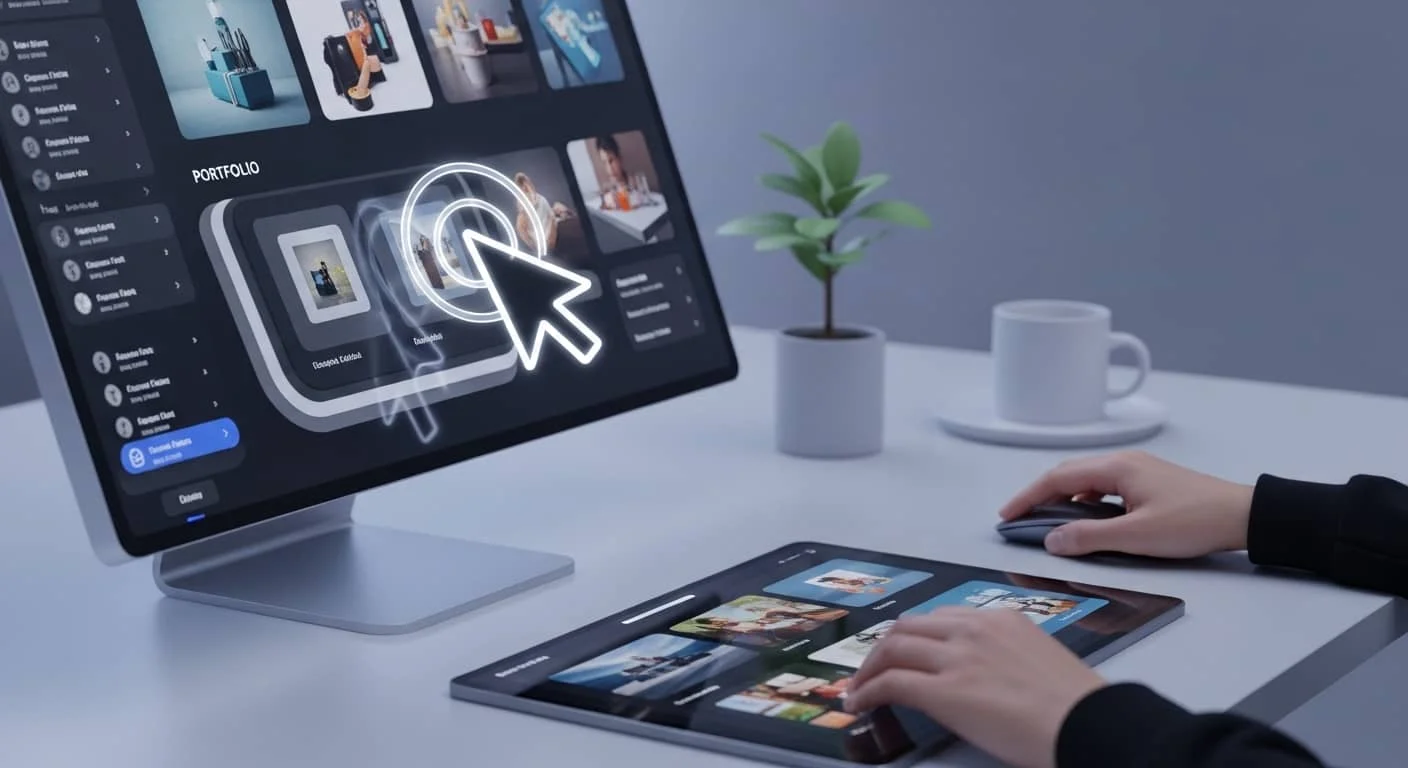
When a cursor expands into a “View Project” circle as it hovers over a portfolio image, it provides instant clarity and a touch of whimsy.
It’s a small detail, but it’s these small details that separate a “Top” brand from the rest of the pack. It shows that you’ve thought about every single millimeter of the experience.
Summary: The Engagement Toolkit
| Trend | What it Solves | The “Human” Result |
| Bento Grids | Information Overload | Users feel organized and calm. |
| Micro-interactions | Lack of Feedback | Users feel heard and validated. |
| Tactile 3D | Digital “Flatness” | Users feel a physical connection to the brand. |
| Adaptive UI | User Discomfort | Users feel cared for and respected. |
The Soul of the Interface
At the end of the day, modern UI design isn’t about chasing the newest shiny thing. It’s about using technology to be more human. It’s about empathy, clarity, and delight.
When you invest in these trends, you aren’t just “updating your look.” You are lowering the barriers between your business and your customers. You are making it easier for them to say “yes.”
Your website is your digital home. Is it a cold, empty warehouse, or is it a warm, inviting space where people want to linger? The difference lies in the UI.
Is Your Website Feeling a Little Static?
The team at Top Branding Altimeter is here to help you bring your digital presence to life. We don’t just design for screens; we design for people.