
- Website Conversion Rate Optimization Basics
- Understanding the "Why" Before the "How."
- The Power of "Visual Hierarchy."
- Crafting CTAs That People Actually Want to Click
- Reducing "Cognitive Load" (Keep it Simple)
- Social Proof: The "Amazon Effect."
- Mobile-First is No Longer Optional
- The Science of A/B Testing
- Leveraging "Micro-Copy" for Trust
- The "Thank You" Page: The Forgotten Opportunity
- FAQs
- Conclusion: Constant Evolution
Website Conversion Rate Optimization Basics

Imagine you own a physical retail store. You spend thousands of dollars on a beautiful billboard (that’s your SEO and Ads) to drive people to your front door.
They walk in, look around for three seconds, see that the aisles are cluttered, the prices are hidden, and there’s no one at the register—so they walk right back out.
That “walk-out” in the digital world is your bounce rate. Website Conversion Rate Optimization Basics is the art of making sure that when someone walks into your digital store, they find exactly what they need and feel compelled to stay.
At Top Branding Altimeter, we believe traffic is just a vanity metric if it doesn’t lead to a transaction. Let’s break down the CRO tips and A/B testing strategies that turn your website from a static brochure into a 24/7 sales machine.
Understanding the “Why” Before the “How.”

Before we dive into buttons and colors, we have to understand the human on the other side of the glass. Conversion Rate Optimization (CRO) is essentially the study of user behavior. Why did they click? Why did they leave?
In 2026, users have an attention span shorter than a TikTok transition. If your site doesn’t answer three questions within three seconds, you’ve lost them:
- What do you do?
- How does it make my life better?
- What do I do next?
If these aren’t clear “above the fold” (the part of the screen visible before scrolling), your conversion rate will suffer, no matter how much you spend on marketing. Speed: The Invisible Conversion Killer
You can have the most beautiful website in the world, but if it takes five seconds to load, half your audience is gone. Google’s Core Web Vitals aren’t just for SEO; they are foundational to conversion rate optimization basics.
The Human Element: Think of a slow-loading site like a waiter who takes twenty minutes to bring you a menu. By the time it arrives, you’re already annoyed and looking for the exit.
- CRO Tip: Optimize your images, leverage browser caching, and use a Content Delivery Network (CDN). Every 100-millisecond delay can drop conversions by 7%.
The Power of “Visual Hierarchy.”

Your website should guide the eye like a well-lit path through a park. This is where many local businesses fail—they try to say everything at once.
- The Rule of One: Every page should have one primary goal. If it’s a landing page for “Roof Repair,” don’t distract them with your “About Us” history or links to your Instagram.
- Contrast is King: Your “Call to Action” (CTA) button shouldn’t blend in. If your brand colors are blue and white, make your “Book Now” button a vibrant orange or green. It should be the most obvious thing on the page.
Crafting CTAs That People Actually Want to Click
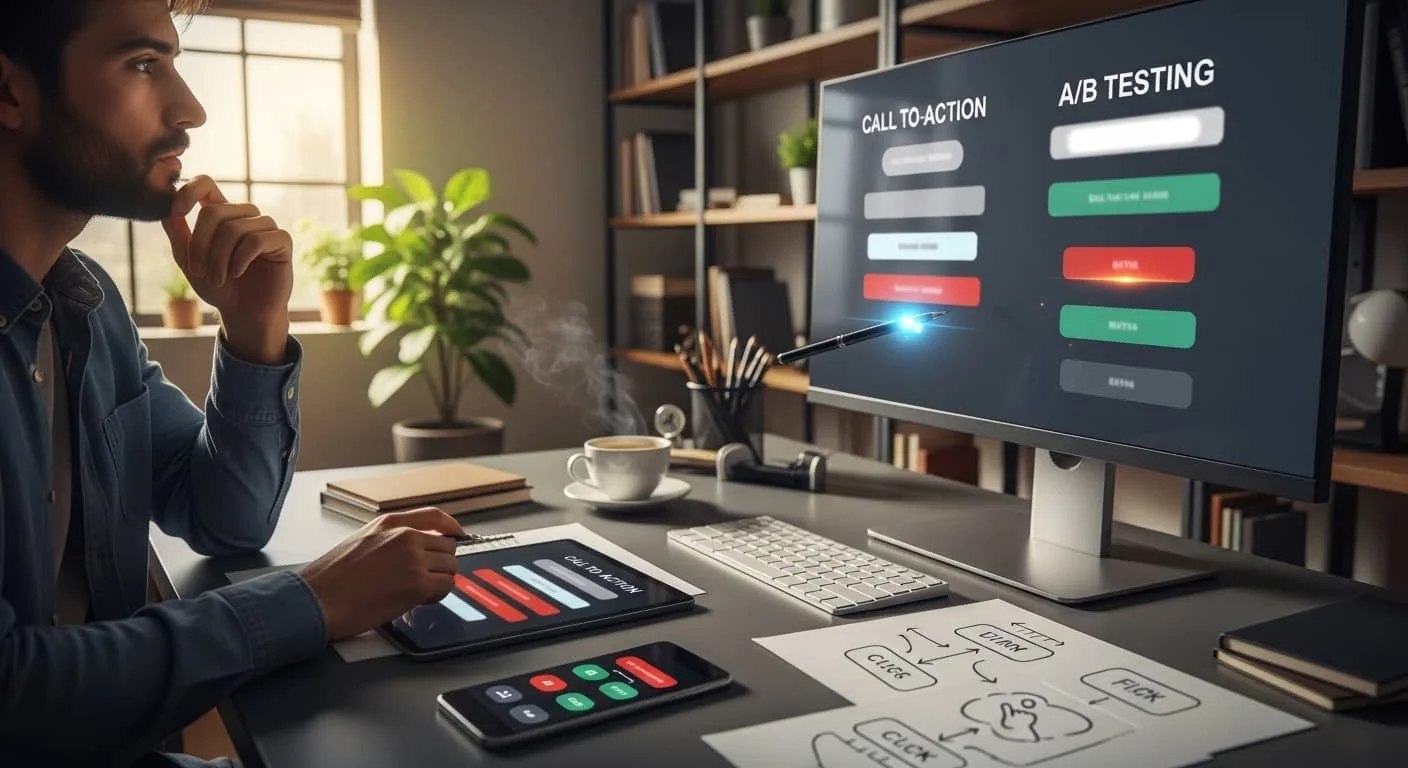
We’ve moved past the era of “Submit.” In 2026, “Submit” sounds like a command; “Get Started” sounds like a journey.
A/B Testing your button copy is one of the easiest ways to see an immediate lift.
- Test A: “Contact Us”
- Test B: “Talk to an Expert Today”
- Test C: “See My Custom Pricing“
Often, the most specific and benefit-driven language wins. Humans are motivated by what they gain, not by the action of “contacting” a business.
Reducing “Cognitive Load” (Keep it Simple)
Ever gone to a restaurant with a 20-page menu and felt paralyzed by choice? That’s “Analysis Paralysis,” and it kills conversions.
When it comes to CRO tips, less is almost always more.
- Limit Navigation: On high-stakes landing pages, remove the main menu entirely. Give them two choices: Convert or Leave.
- Chunk Your Content: Use bullet points, short sentences, and plenty of white space. People don’t read websites; they scan them. If they see a wall of text, their brain registers “work,” and they check out.
Social Proof: The “Amazon Effect.”
In 2026, we don’t believe what a business says about itself; we believe what others say about it.
- The Human Touch: Don’t just bury reviews on a “Testimonials” page. Sprinkle them near your conversion points. If a user is hovering over your “Book Appointment” button and sees a quote from a local neighbor saying, “Best service I’ve had in ten years,” that’s the final nudge they need.
- Trust Signals: Icons for “Google Guaranteed,” “BBB Accredited,” or local chamber of commerce logos act as digital security guards. They tell the user’s subconscious, “You’re safe here.”
Mobile-First is No Longer Optional
If your “Book Now” button is too small for a thumb to hit on an iPhone, you don’t have a conversion problem—you have a usability problem.
More than 60% of local service searches occur on mobile devices, often while users are “on the go” or in a mini-crisis.
- The “Thumb Zone”: Ensure your most important links and buttons are within easy reach of a user’s thumb.
- Click-to-Call: For local services, a phone number that isn’t clickable on mobile is a lost lead.
The Science of A/B Testing
A/B testing (or split testing) is simply showing two versions of a page to different users to see which one performs better. It takes the guesswork out of marketing.
What should you test first?
- The Headline: Does “Save 20% on Heating” work better than “Stay Warm This Winter”?
- The Hero Image: Does a photo of your team work better than a photo of a happy family?
- The Form Length: Does asking for a phone number upfront decrease sign-ups?
Pro Tip: Only test one thing at a time. If you change the headline and the button color, you won’t know which one caused the change in results.
Leveraging “Micro-Copy” for Trust
Micro-copy refers to the tiny bits of text around your forms and buttons. This is a secret weapon in Website Conversion Rate Optimization Basics.
- Under an Email Field: “We hate spam as much as you do. Your data is safe.”
- Near a “Book Now” Button: “No credit card required for booking.”
- On a Form: “Takes less than 30 seconds.”
These tiny phrases address the “friction” in a user’s mind and lower the barrier to entry.
The “Thank You” Page: The Forgotten Opportunity
The conversion doesn’t end when they hit “Send.” The “Thank You” page is the perfect place to build more value.
Instead of just saying “We’ll get back to you,” try:
- Providing a video of what happens next.
- Offering a link to a relevant blog post.
- Asking for a social media follow.
- Giving a “refer-a-friend” discount.
Keep the momentum going while their interest is at its peak.
FAQs
How to optimize dealership website traffic conversion rates?
Conclusion: Constant Evolution
Website Conversion Rate Optimization Basics isn’t a project you finish; it’s a habit you develop. The digital landscape changes, user expectations shift, and your competitors are always tweaking their “hospitality.”
At Top Branding Altimeter, we help you look at your website through the eyes of your customers. By focusing on speed, clarity, trust, and constant A/B testing, you ensure that your digital front door isn’t just open—it’s inviting.