- Complete On-Page SEO Checklist for Higher Google Rankings
- Table of Contents
- What is On-Page SEO?
- Why On Page SEO Matters for Rankings
- 02 Keyword Optimization Checklist
- 03 Title Tag & Meta Description Optimization
- 04 Content Optimization Checklist
- 05 Heading Structure Optimization
- 06 URL Structure Best Practices
- 07 Internal & External Linking Strategy
- 08 Image SEO Optimization
- 09 Technical On Page SEO Factors
- 10 Final On Page SEO Checklist Summary
- Ready to Dominate Your Local Search Rankings?
- Frequently Asked Questions — On Page SEO Checklist
- Digital Marketing Experts · SEO Strategy & Consulting
Complete On-Page SEO Checklist for Higher Google Rankings
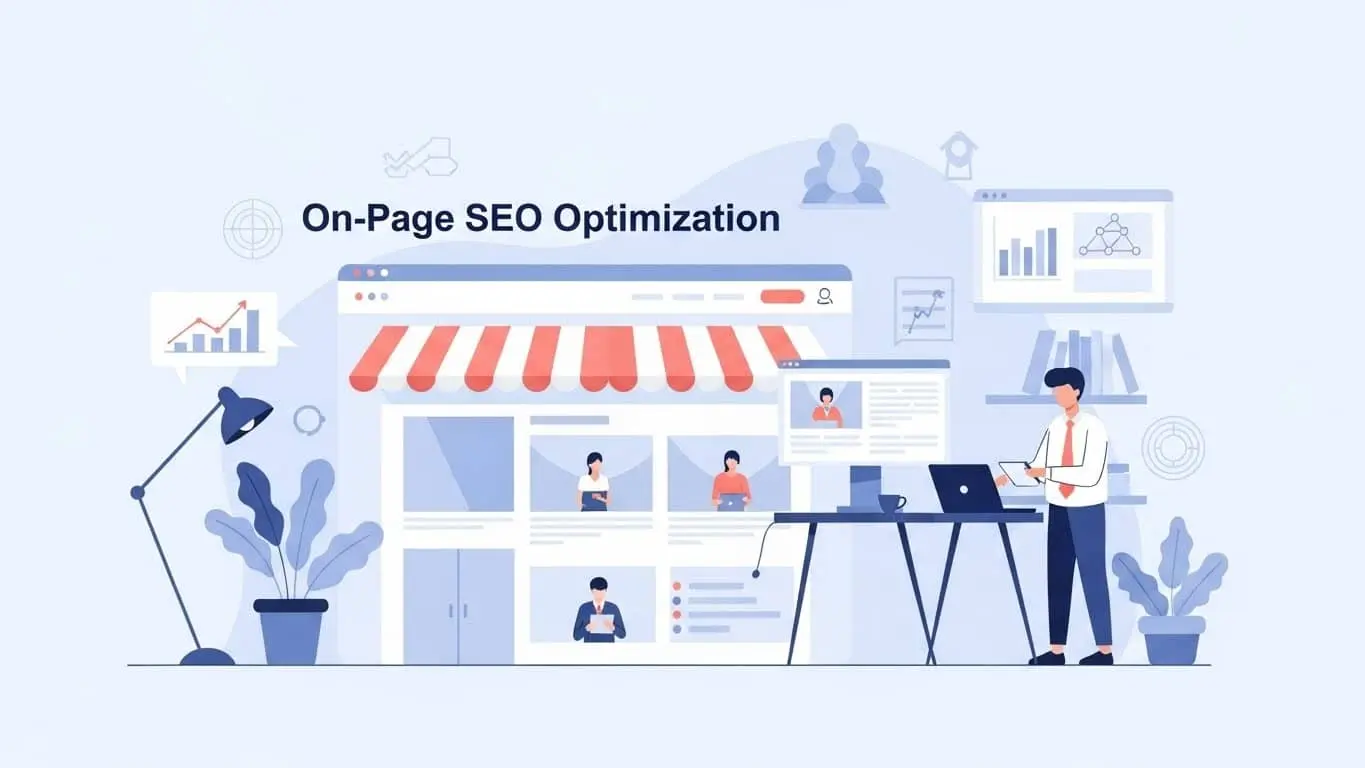
Every optimization factor — from keyword placement to schema markup — is explained step by step. Built for beginners, marketers, and agencies who want real results in 2026.
10 Core SEO Sections 2026 Best Practices By Top Branding Altimeter
If you’re serious about growing organic traffic, ranking higher on Google, and turning website visitors into paying customers, you need a reliable on page SEO checklist. At Top Branding Altimeter, we’ve worked with hundreds of businesses — from solo bloggers in Austin to multi-location franchises in New York City and Los Angeles — and the one thing they all share when they struggle with rankings is the same root problem: inconsistent, incomplete on page optimization.
This guide gives you a complete, actionable on page-SEO checklist for 2026 — the exact framework our internet marketing agency uses to improve search engine visibility, drive organic traffic growth, and secure top SERP positions for clients across every major U.S. city, including Chicago, San Francisco, Miami, Seattle, Denver, Dallas, and beyond.
Table of Contents
- What Is On Page SEO?
- Keyword Optimization Checklist
- Title Tag & Meta Description
- Content Optimization Checklist
- Heading Structure Optimization
- URL Structure Best Practices
- Internal & External Linking
- Image SEO Optimization
- Technical On Page SEO Factors
- Final Checklist Summary
What is On-Page SEO?
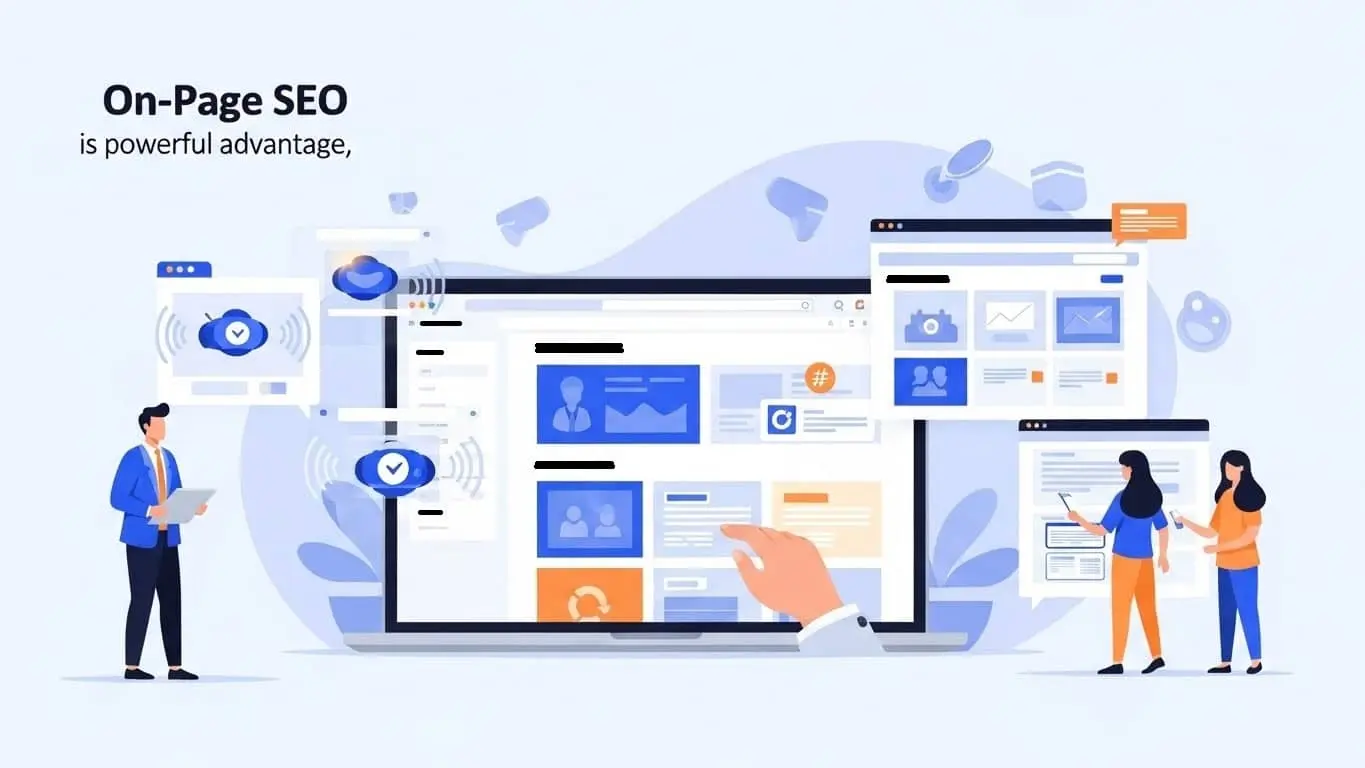
On page SEO (also called on-site SEO) refers to all the optimization techniques applied directly to individual web pages to improve their position in search engine results pages (SERPs). Unlike off page SEO — which involves external signals like backlinks and brand mentions — on page SEO is entirely within your control.
Think of it as making your website speak fluent Google. Every element on your page — the title, headings, content, images, URLs, internal links, and code — sends signals to search engine algorithms about what your page is about, how trustworthy it is, and whether it deserves to rank. When those signals are clear, consistent, and high-quality, rankings follow.
Difference Between On Page and Off-Page SEO
| Factor | On Page SEO | Off Page SEO |
|---|---|---|
| Location | On your website | Outside your website |
| Control | 100% in your hands | Partially controlled |
| Examples | Keywords, meta tags, content, schema | Backlinks, social signals, mentions |
| Impact Speed | Can see results in days to weeks | Takes months to build authority |
| Starting Point | Always the foundation first | Builds after on page is solid |
Why On Page SEO Matters for Rankings
Search engines like Google use sophisticated algorithms to evaluate hundreds of Google ranking factors. On page SEO is the layer you control directly — and it signals relevance, authority, and user experience all at once. Without proper on page optimization, even the best backlink profile can fail to move the needle because Google can’t understand what your page is actually about.
For businesses in competitive markets — whether you’re a restaurant in Miami, a law firm in Washington D.C., or an e-commerce brand in Los Angeles — on page SEO is the foundation that determines whether your investment in content and advertising pays off. Our team at Top Branding Altimeter regularly sees 40–120% increases in organic traffic within 90 days of implementing a full on page SEO optimization checklist for clients who previously had zero structured approach.
02 Keyword Optimization Checklist
Keyword optimization is the backbone of your on page SEO optimization checklist. It starts with understanding what your audience is actually searching for — not just what you assume they search for. The goal is to match your content’s language to the language of your ideal customer at every stage of their journey.
Keyword Research
Effective keyword research uncovers the terms and phrases your target audience uses when they need what you offer. For local businesses in cities like Houston, Phoenix, or Atlanta, that includes geo-modified searches. For e-commerce and digital product companies, it includes intent-driven queries at every funnel stage.
- Identify one primary (focus) keyword per page with clear search intent
- Research 3–8 secondary keywords and LSI (Latent Semantic Indexing) terms
- Analyze keyword difficulty vs. search volume to prioritize attainable wins
- Identify TOFU, MOFU, and BOFU intent keywords for full-funnel content
- Include local modifiers (city, neighborhood, “near me”) for location-based pages
- Audit competitor keyword rankings with tools like Ahrefs or SEMrush
Primary Keyword Placement
Once you’ve identified your focus keyword, strategic placement ensures Google understands your page’s core topic. Placement matters far more than repetition — avoid keyword stuffing, which Google penalizes, and focus instead on natural, intentional placement.
- Include exact match focus keyword in H1 heading
- Use focus keyword in the first 100 words of the introduction
- Place keyword naturally in at least one H2 heading
- Include keyword in the meta title and meta description
- Use keyword in the URL slug
- Maintain a healthy keyword density of 0.5%–1.5% (not more)
Semantic Keyword Usage
Modern SEO is driven by semantic keywords and NLP (Natural Language Processing). Google’s algorithms understand context and meaning, not just exact match strings. By incorporating related terms, synonyms, and topic clusters, you send comprehensive relevance signals that boost your keyword relevance optimization without artificial repetition.
Use tools like Google’s “People Also Ask,” Surfer SEO, or Clearscope to discover the NLP and semantic terms Google associates with your target keyword. Including these naturally lifts your content’s topical authority — a critical signal in 2026 search engine algorithms.
03 Title Tag & Meta Description Optimization
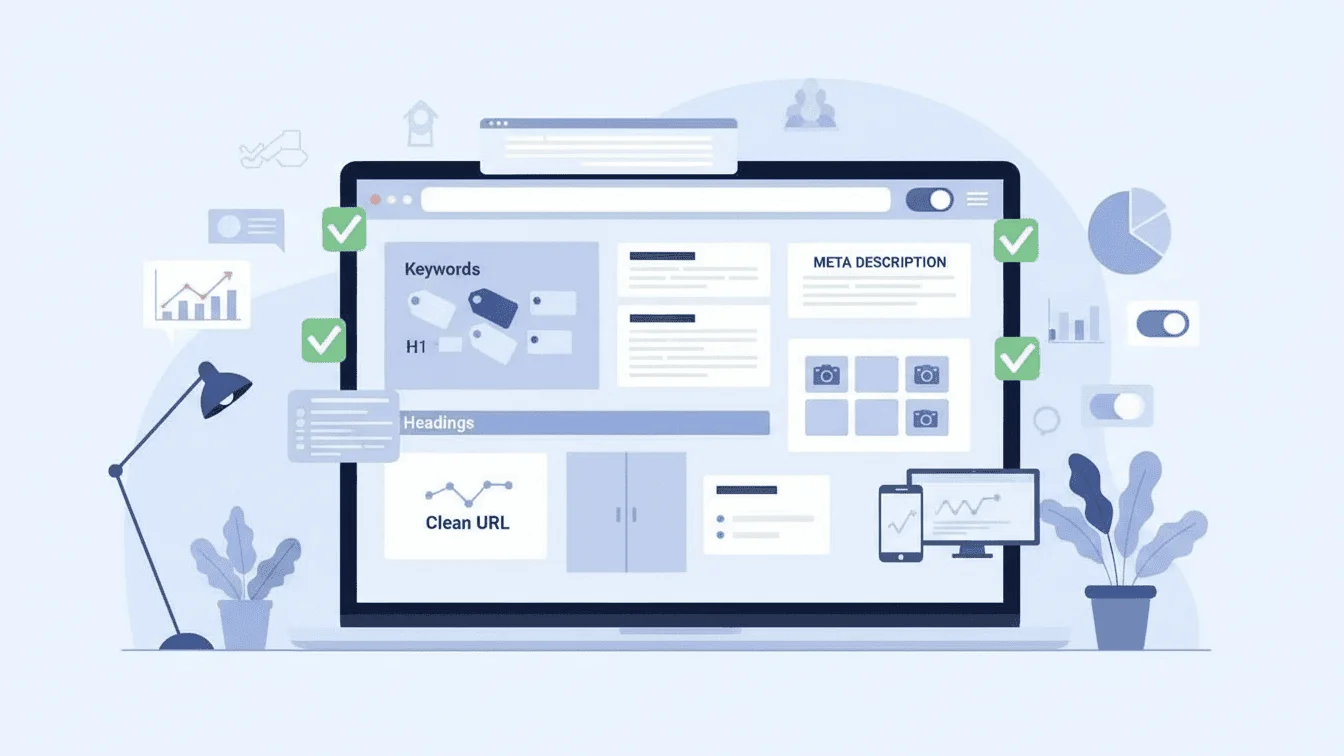
Your title tag is the single most important on-page SEO element after content quality. It’s what searchers see first in SERPs, and it’s a primary ranking signal Google uses to understand page topic and relevance. Meta title optimization directly affects your click-through rate (CTR) — and higher CTR signals Google that your result is what searchers want, which reinforces your ranking.
Writing SEO Titles
- Keep titles between 50–60 characters (including spaces) to avoid truncation
- Place the primary keyword as close to the beginning as possible
- Write for humans first — make the title compelling and click-worthy
- Include a number, power word, or year when relevant (“2026,” “Complete,” “Step-by-Step”)
- Avoid duplicate title tags across the site — every page needs a unique title
- Don’t stuff multiple keywords — one primary keyword plus a modifier is ideal
Optimizing Meta Descriptions
While meta description tags are not a direct ranking factor, they are a powerful CTR signal. A compelling meta description convinces searchers to click your result over competitors’, which indirectly improves your ranking through positive user signals.
- Keep meta descriptions between 140 and 160 characters
- Include the focus keyword naturally (Google bolds it in SERPs)
- Write a clear value proposition — tell users exactly what they’ll get
- Include a soft call to action (“Learn more,” “Get the checklist,” “See how”)
- Write a unique meta description for every page on your site
04 Content Optimization Checklist

Content is still king — but only when it’s the right content for the right audience. Your SEO content optimization must satisfy three masters simultaneously: the user’s intent, Google’s quality guidelines (EEAT: Experience, Expertise, Authoritativeness, Trustworthiness), and your business conversion goals. When all three align, you get content that ranks, engages, and converts.
Search Intent Matching
Search intent optimization is arguably the most critical content factor in 2026. Google’s primary goal is to return results that best satisfy what the user actually wants — not just what they typed. There are four core intent types: Informational, Navigational, Transactional, and Commercial Investigation. Matching your content format and messaging to the dominant intent of your target keyword is non-negotiable.
- Identify whether the target keyword is informational, commercial, or transactional
- Match content format to intent: guides for informational, product pages for transactional
- Analyze the top 5 SERP results to understand what Google rewards for this query
- Answer the user’s core question within the first screen of content (above the fold)
Content Length & Quality
Long-form content doesn’t rank just because it’s long — it ranks because depth creates relevance signals. For competitive keywords, comprehensive content (1,500–3,000+ words) typically outperforms thin pages because it satisfies more user queries, earns more dwell time, and attracts more backlinks organically.
- Match or exceed the word count of top-ranking competitors for your keyword
- Write original, first-hand content that demonstrates real expertise (EEAT)
- Include data, statistics, case studies, or expert quotes to build authority
- Cover subtopics and related questions comprehensively (topic clusters)
- Update content regularly — stale pages lose relevance signals over time
Readability & Formatting
Content readability affects both user experience metrics (time on page, bounce rate) and Google’s ability to parse your content efficiently. Poor formatting hurts you on mobile devices, especially, which now account for more than 60% of all U.S. web traffic.
- Use short paragraphs (2–4 sentences max) for mobile-friendly scanning
- Use bullet points and numbered lists to break up dense information
- Target a Flesch-Kincaid reading level of 60–70 (grade 8–9) for general audiences
- Use bold for important terms to aid skimming and signal key concepts
- Add tables, infographics, or visual elements to improve engagement signals.

05 Heading Structure Optimization
Proper heading structure serves a dual purpose: it makes content scannable for users, and it communicates topical hierarchy to search engines. A well-structured heading outline is essentially an outline of your page’s topic coverage — and Google uses it to understand context, depth, and relevance.
Proper Use of H1, H2, H3
- Use exactly ONE H1 per page — it should contain your primary keyword
- Use H2s for major section topics — aim for 3–8 H2s on a long-form page
- Use H3s for sub-points within H2 sections — never skip levels (H1 → H3)
- Keep headings descriptive and specific — avoid vague labels like “More Info.”
- Never use headings as decorative elements — every heading should add structure
Keyword in Headings
Including keywords in headings isn’t about stuffing — it’s about aligning your heading copy with what users searched for. When your H2 headings match the questions and subtopics surrounding your focus keyword, you dramatically improve your chances of capturing featured snippets and “People Also Ask” boxes in Google results.
Include your focus keyword in at least one H2. Use natural LSI and NLP variations in the remaining H2s and H3s. Headings that mirror common question formats (“How to…,” “What is…,” “Why does…”) are highly eligible for rich snippets and voice search results.
06 URL Structure Best Practices

A clean, descriptive URL structure contributes to both SEO and user trust. Google recommends simple, readable URLs that give users and crawlers a clear idea of page content before they even click. Overly long, parameter-filled, or cryptic URLs hurt website indexing efficiency and reduce click-through rates in SERPs.
- Include your focus keyword in the URL slug
- Use hyphens to separate words (not underscores or spaces)
- Keep URLs short and descriptive — ideally under 60 characters
- Use lowercase letters only — avoid uppercase characters in URLs
- Remove stop words (the, a, of, in) unless they’re part of the keyword
- Avoid dynamic URL parameters like ?id=123 for content pages
- Set up 301 redirects if you change existing URLs — never break live links
- Use a logical folder structure: /services/seo/ not /page3/item99/seo/
07 Internal & External Linking Strategy
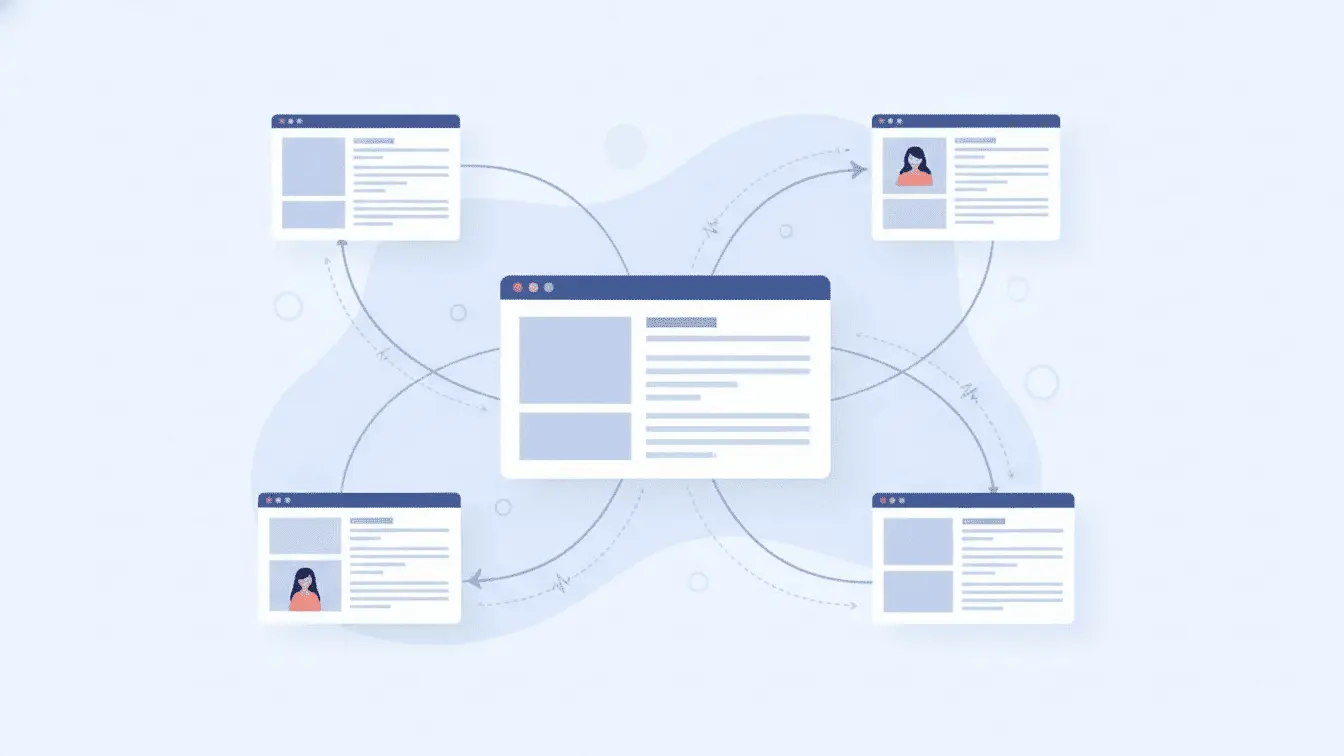
Linking is the connective tissue of your website’s SEO architecture. Internal linking distributes link equity, improves crawlability, and guides users deeper into your site. External linking to authoritative sources signals trust and builds topical credibility with Google’s EEAT framework.
- Add 3–8 internal links per page using descriptive, keyword-rich anchor text
- Link to high-priority pages (service pages, conversion pages) from supporting content
- Avoid orphan pages — every page should be reachable from at least one internal link
- Use 1–3 external links to authoritative, relevant sources per page
- Open external links in a new tab to keep users on your site
- Audit internal links quarterly and fix broken links immediately
- Vary anchor text naturally — avoid over-optimizing the same phrase
Our SEO services at Top Branding Altimeter include full internal link architecture audits as part of every on page SEO audit service — a step most agencies skip, but one that consistently delivers measurable ranking improvements within 60 days.
08 Image SEO Optimization
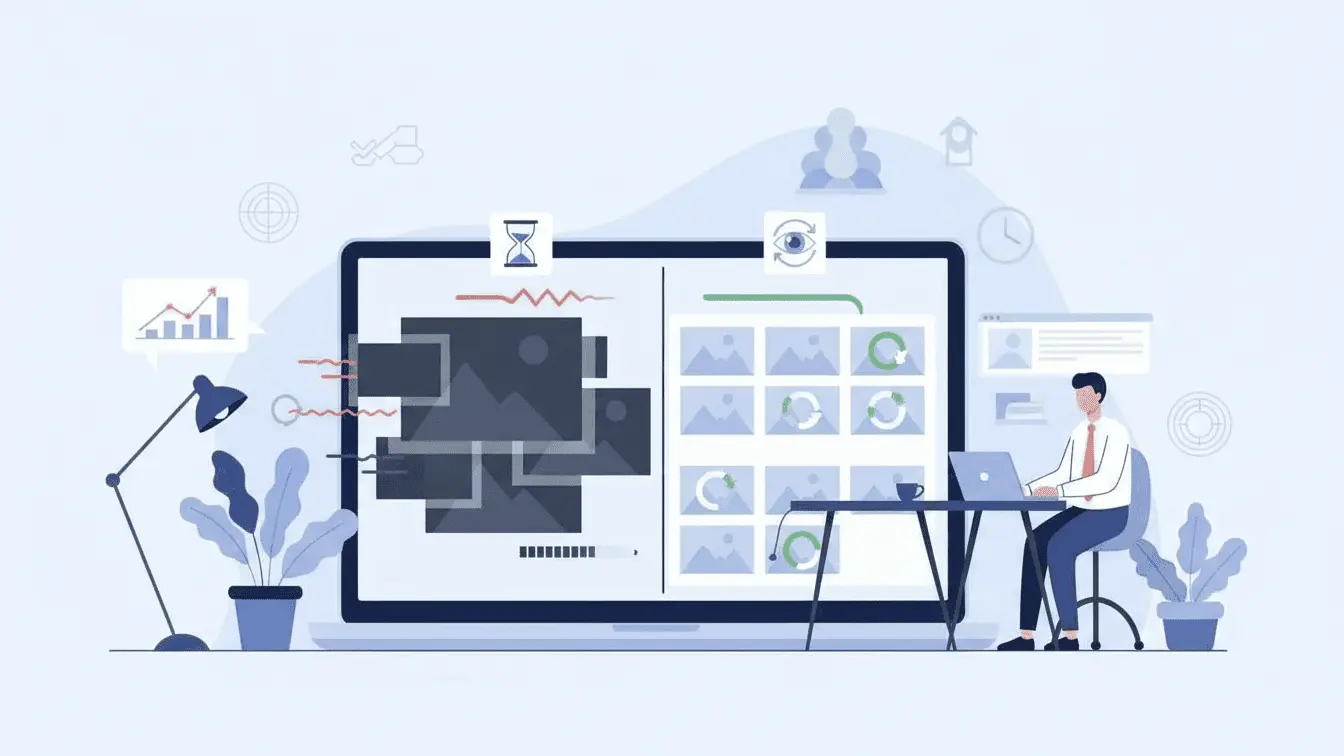
Images enrich user experience, increase dwell time, and — when properly optimized — contribute to your overall website performance optimization and search engine visibility. Unoptimized images, however, are one of the top causes of poor page speed scores, directly harming your mobile SEO rankings.
Image Compression
- Compress every image before uploading — target file size under 150KB when possible
- Use next-gen formats: WebP or AVIF instead of JPEG/PNG where supported
- Implement lazy loading for images below the fold (loading=”lazy” attribute)
- Serve images at their display size — don’t upload 3000px images for 400px slots
- Use a CDN to serve images efficiently across geographic locations
ALT Tags
Image alt text serves two critical functions: accessibility for visually impaired users relying on screen readers, and keyword relevance signals for search engines (which cannot “see” images). Proper alt tags also make your images eligible to appear in Google Image Search, creating an additional source of organic traffic.
- Write descriptive alt text for every image — describe what the image shows
- Include your focus keyword in the alt text of the primary/hero image naturally
- Keep alt text concise: 5–15 words is typically sufficient
- Use descriptive file names: “on-page-seo-checklist.webp” not “image001.jpg”
- Set alt=”” (empty) for purely decorative images with no content value
09 Technical On Page SEO Factors
Technical on page SEO sits at the intersection of content and infrastructure. These are the behind-the-scenes factors that control how efficiently Google can access, render, and rank your pages. Ignoring them means your best content may never reach its full ranking potential — no matter how well-written it is.
Page Speed Optimization
Page speed optimization is a confirmed Google ranking factor for both desktop and mobile search. Google’s Core Web Vitals — LCP (Largest Contentful Paint), FID (First Input Delay), and CLS (Cumulative Layout Shift) — are now direct ranking signals. Businesses in high-competition markets like San Francisco, New York City, or Los Angeles simply can’t afford to have slow pages and expect to compete.
- Achieve a Google PageSpeed Insights score of 85+ on mobile and desktop
- Enable browser caching and GZIP/Brotli compression on your server
- Minify CSS, JavaScript, and HTML files to reduce file size
- Eliminate render-blocking resources that delay page painting
- Use a reliable CDN to reduce server response time globally
- Aim for a Time to First Byte (TTFB) under 200ms
Mobile Friendly Design

Google operates on a mobile-first index, meaning it crawls and ranks your mobile version before your desktop version. A mobile-friendly design isn’t optional — it’s the baseline. For local businesses in cities like Phoenix, Las Vegas, Portland, or Denver, where mobile search drives the majority of foot traffic and calls, this is especially critical.
- Use a responsive design framework that adapts to all screen sizes
- Ensure tap targets (buttons, links) are at least 48x48px on mobile
- Avoid intrusive interstitials (pop-ups) that block content on mobile
- Test with Google’s Mobile-Friendly Test and fix all flagged issues
- Ensure font sizes are at least 16px to avoid zooming requirements
Schema Markup
Schema markup is structured data code added to your HTML that helps search engines understand the context and meaning of your content at a deeper level. Implementing the right schema types can earn your pages rich snippets in SERPs — including star ratings, FAQ dropdowns, how-to steps, and more — dramatically improving your SERP real estate and CTR without changing your rank position.
- Implement Article or BlogPosting schema on content pages
- Add FAQPage schema to pages with Q&A sections
- Use LocalBusiness schema for location-based service pages
- Implement Product and Review schema for e-commerce pages
- Validate all schema with Google’s Rich Results Test before publishing
- Add BreadcrumbList schema to improve navigational SERP appearance
Need help implementing technical SEO across your entire website? Top Branding Altimeter offers professional technical SEO audit services for businesses of all sizes — from single-location boutiques to enterprise e-commerce brands with thousands of pages. Request your free website SEO audit →

Try to include your primary keyword within the first 100 words of your page. This confirms to the search engine (and the reader) that they are in the right place.
10 Final On Page SEO Checklist Summary
Here’s your complete SEO ranking checklist — every key optimization factor at a glance. Use this as your pre-publish audit for every new page or blog post, and as a quarterly review framework for existing content.
- Primary keyword in H1
- Keyword in first 100 words
- Unique, optimized meta title (50–60 chars)
- Compelling meta description (140–160 chars)
- Keyword-rich, clean URL slug
- Proper H1 → H2 → H3 heading hierarchy
- Search intent matched to content format
- Comprehensive, expert-level content
- Semantic & LSI keywords used naturally
- Short paragraphs & mobile-friendly layout
- 3–8 internal links with varied anchor text
- 1–3 authoritative external links
- Images compressed & in WebP/AVIF format
- Descriptive ALT text on all images
- PageSpeed score 85+ on mobile
- Responsive, mobile-first design confirmed
- Schema markup validated & implemented
- No duplicate title tags or meta descriptions
- Canonical tags set correctly
- Page indexed and visible in Search Console
Whether you’re optimizing a WordPress blog post, a service page, or a full e-commerce product catalog, running through this website SEO checklist before every publish dramatically reduces the risk of leaving ranking potential on the table. For businesses that need this done at scale — or done right the first time — Top Branding Altimeter’s SEO consulting services deliver end-to-end on page SEO strategy, execution, and reporting.
Frequently Asked Questions — On Page SEO Checklist
What is on page SEO checklist?
How many on page SEO factors are there?
What is the most important on page SEO factor?
How do I optimize a page for SEO?
Does on page SEO improve rankings?
What tools help with on page SEO?
Is content length important for SEO?
How often should I update on page SEO?
What is the difference between technical SEO and on page SEO?
Can beginners implement on page SEO?
Digital Marketing Experts · SEO Strategy & Consulting
Top Branding Altimeter is a full-service internet marketing agency helping businesses across the United States grow their organic presence, generate qualified leads, and build brand authority online. Our SEO, web design, and branding services are trusted by startups, agencies, and multi-location businesses from New York City to Los Angeles and everywhere in between.